
WIP Wednesday: June 3, 2026

WIP Wednesday:WIP Wednesday:WIP Wednesday:June 3, 2026June 3, 2026June 3, 2026

This post is also available on my Patreon. Join up and get pixel art for your game!

Hey, everyone- It’s Work-In-Progress Wednesday!

Upcoming Gigapack Effects

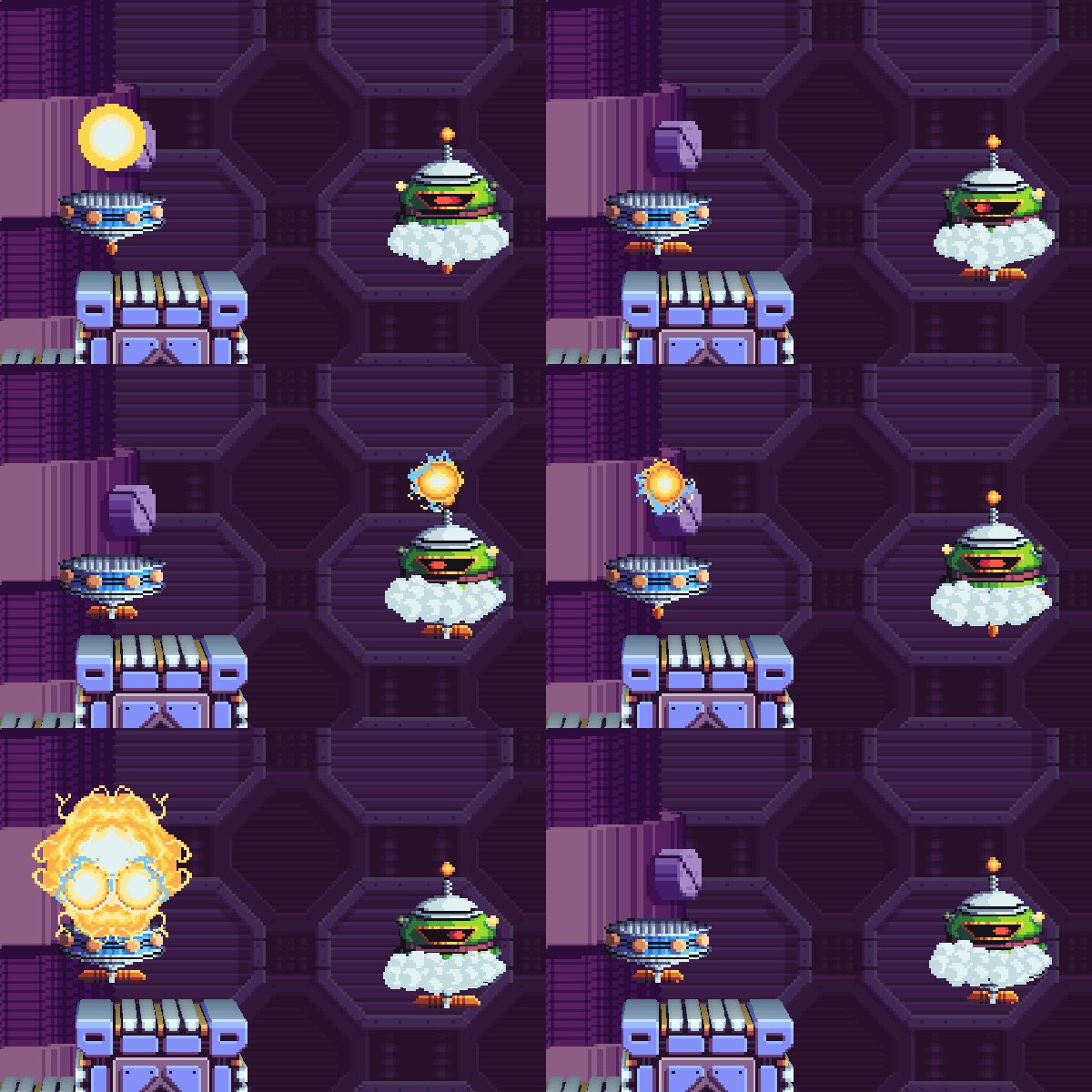
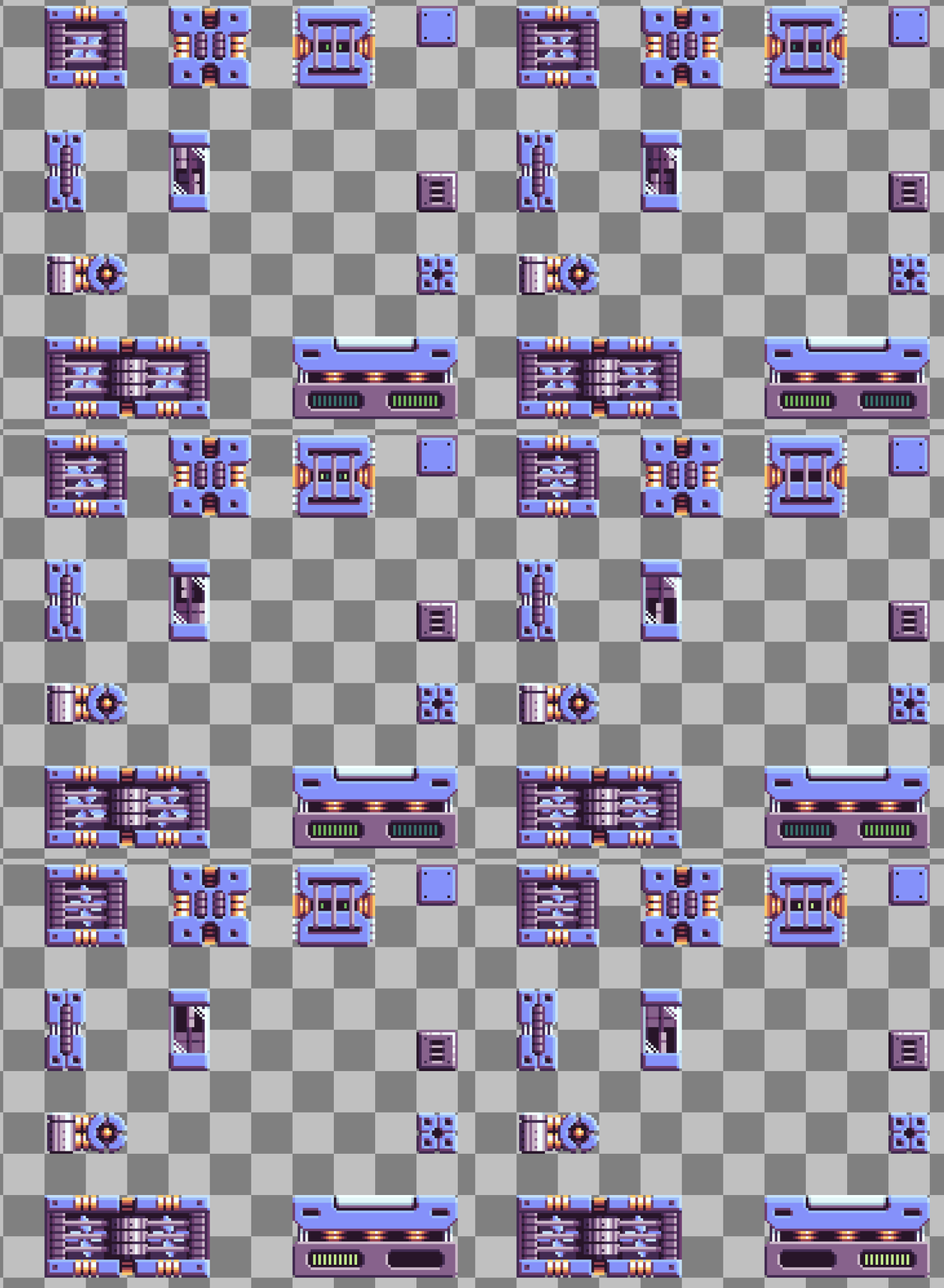
I’ve got two brand-new Gigapack effects to show off. Let’s check ’em out:

These two related effects are buff and debuff spells! Thanks to the arrows, it’s immediately obvious that some kind of stat is getting boosted or diminished. These would be perfect for an RPG or any other kind of game where a player charges up for the next turn or the enemy casts a weakening spell on you!

What’s Next?

I’ve got some big news for this Summer… Atmocopter will be back at 2D Con from August 21 – 23!

I’m super excited to continue work on the game, and am hoping to do a big sprint on it and get a whole lot of stuff done. I’d love to bring a new world to the game with fresh new mechanics, but I’d also really like to create the game’s hub area, which has never existed in any previous iteration of the game… So I’m gonna try and do both! Wish me luck.

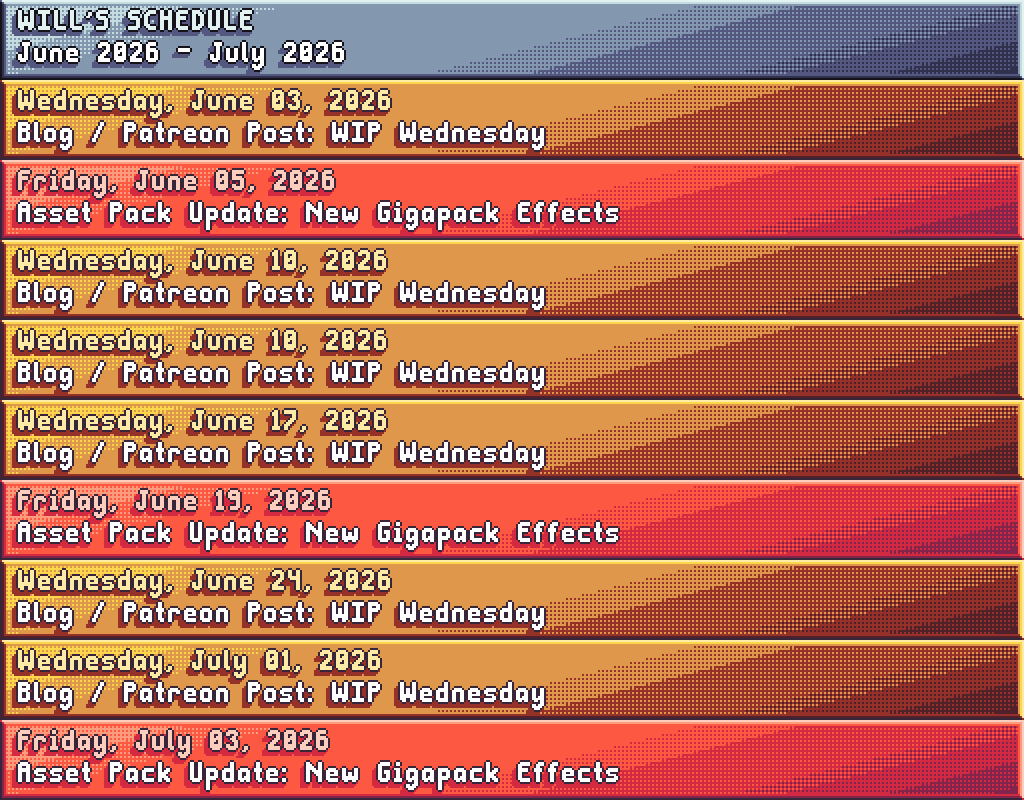
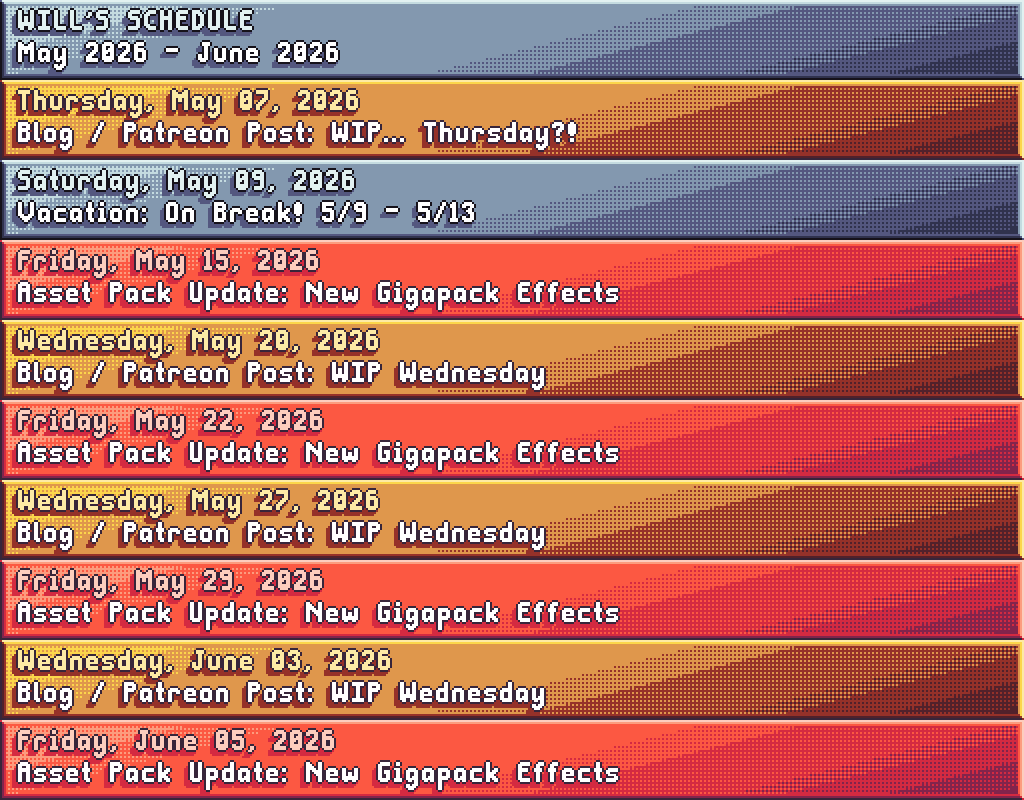
Gigapack updates will be shifting to a bi-weekly cadence after the next update. Here’s my tentative schedule for this month:

Looking forward to sharing lots of Atmocopter progress and pixel art in all those WIP Wednesdays! It’s not on the schedule, but I’m also mulling a revival of Super Pixel Harvest & Crafting in a similar format to the Gigapack. Possibly this Fall? I love drawing effects, but I kinda miss drawing icons!

That’s all for today- I’ll see you Friday with the next Gigapack update!

-Will

Super Pixel Effects Gigapack v2.3.0

Super Pixel Effects GigapackSuper Pixel Effects GigapackSuper Pixel Effects Gigapackv2.3.0v2.3.0v2.3.0

This post is also available on my Patreon. Join up and get pixel art for your game!

Hey, everyone! I’m here tonight with Super Pixel Effects Gigapack version 2.3.0: The SPLATTER update!

Let’s check out the animations:

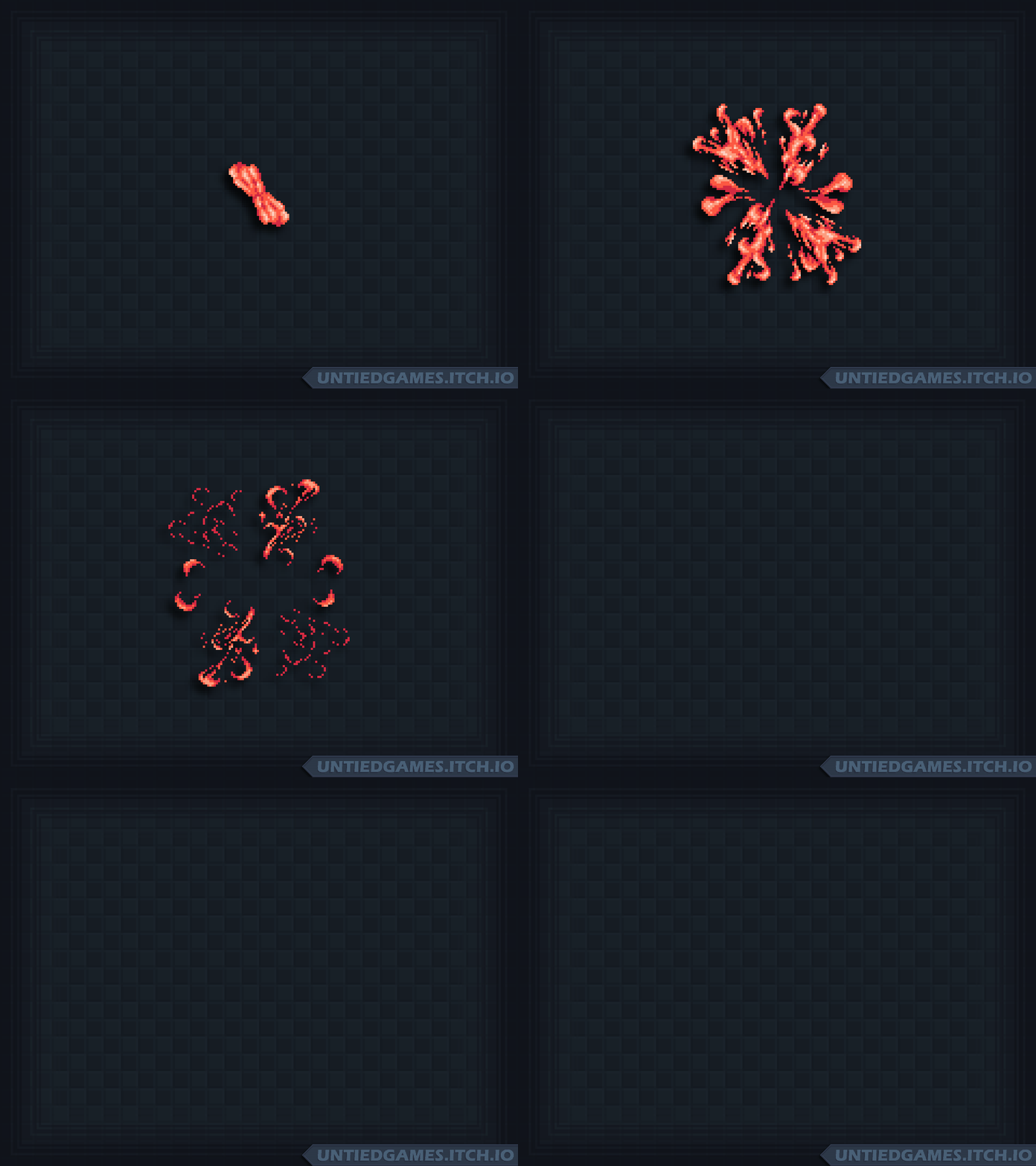
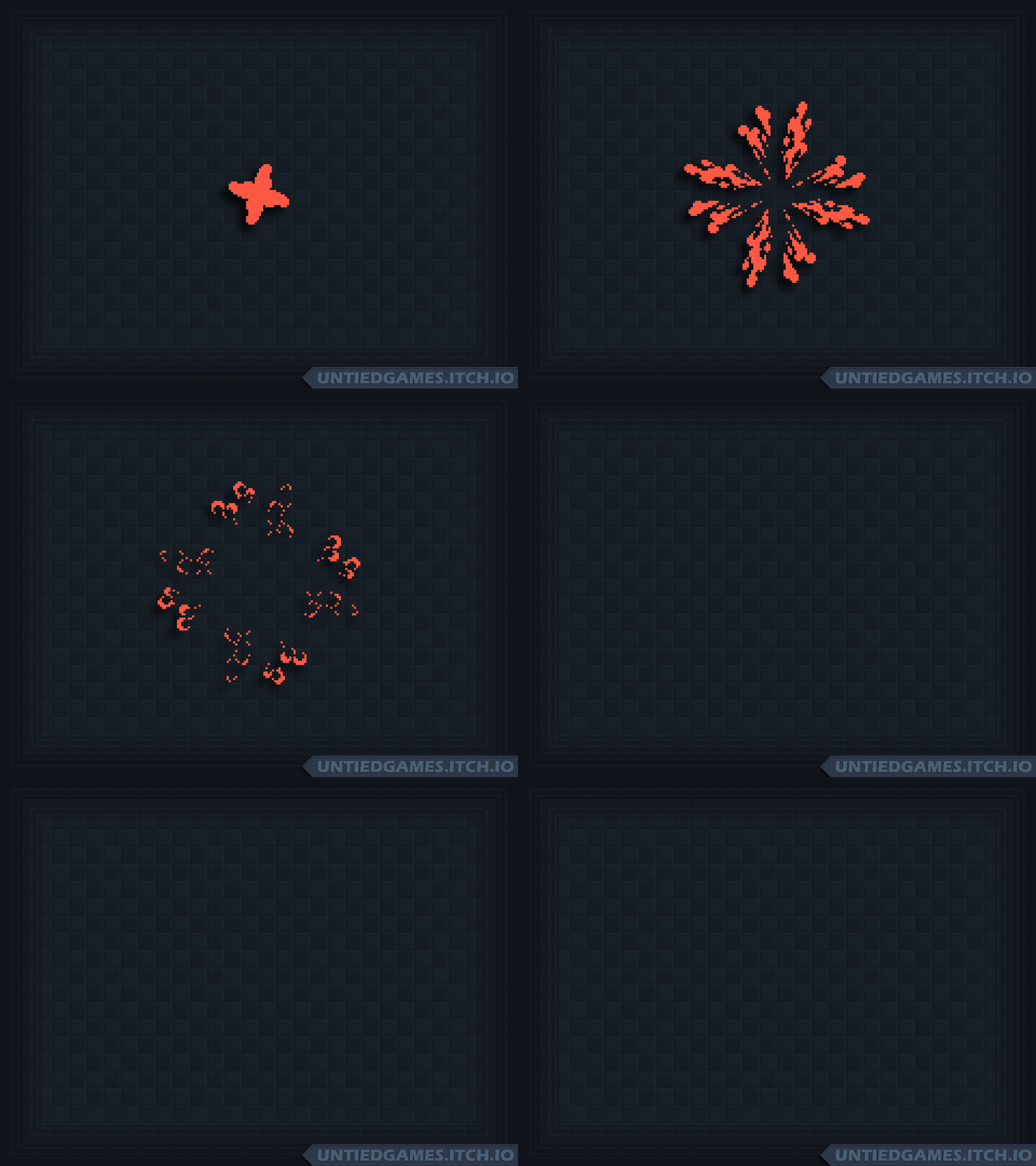
So juicy! And they come in different shapes and sizes, too. Perfect for blood effects, alien guts, splashes, and more! They could even double as smoke, using the included gray color theme.

Ready to get it for your game?

Super Pixel Effects Gigapack v2.3.0 can be downloaded from its dedicated Patreon page.
This download is currently available to $5+ patrons.

The free version is available here. Try it out!

Not into Patreon? Never fear- The Gigapack can also be purchased below!

Thank you for your support- See you next time!

-Will

WIP Wednesday: May 27, 2026

WIP Wednesday:WIP Wednesday:WIP Wednesday:May 27, 2026May 27, 2026May 27, 2026

This post is also available on my Patreon. Join up and get pixel art for your game!

Hey, everyone! I’m here again today for another Work-In-Progress Wednesday. This week, I’m working on new splatter animations for the Gigapack!

Upcoming Gigapack Effects

Above, you can see the first completed effect for the next update. Nice and juicy- Definitely one of my best!
I’m planning on making “burst” splatters like above as well as directional splatters, using pieces of the same animations. That means you’ll be able to splat however you want in your games!

Below, you can see a work-in-progress version of another burst splatter.

As you can see, I start with just a single color and animate the silhouette of the splatter. Sometimes I start from the first frame and animate forwards, but I also like to start with the most impactful frame and then draw backwards to the initial frame.

Then, I animate forwards from the most impactful frame and have it dissipate to finish out the animation.

I feel like doing it this way helps me better guide how the splatter should flow, instead of working forwards from the beginning and then watching it and thinking “Oh, that’s not quite right” and having to redo several frames of motion. I also try to think of it like an actual fluid, at least a little bit. The same process works for smoke effects!

Zephyr Time

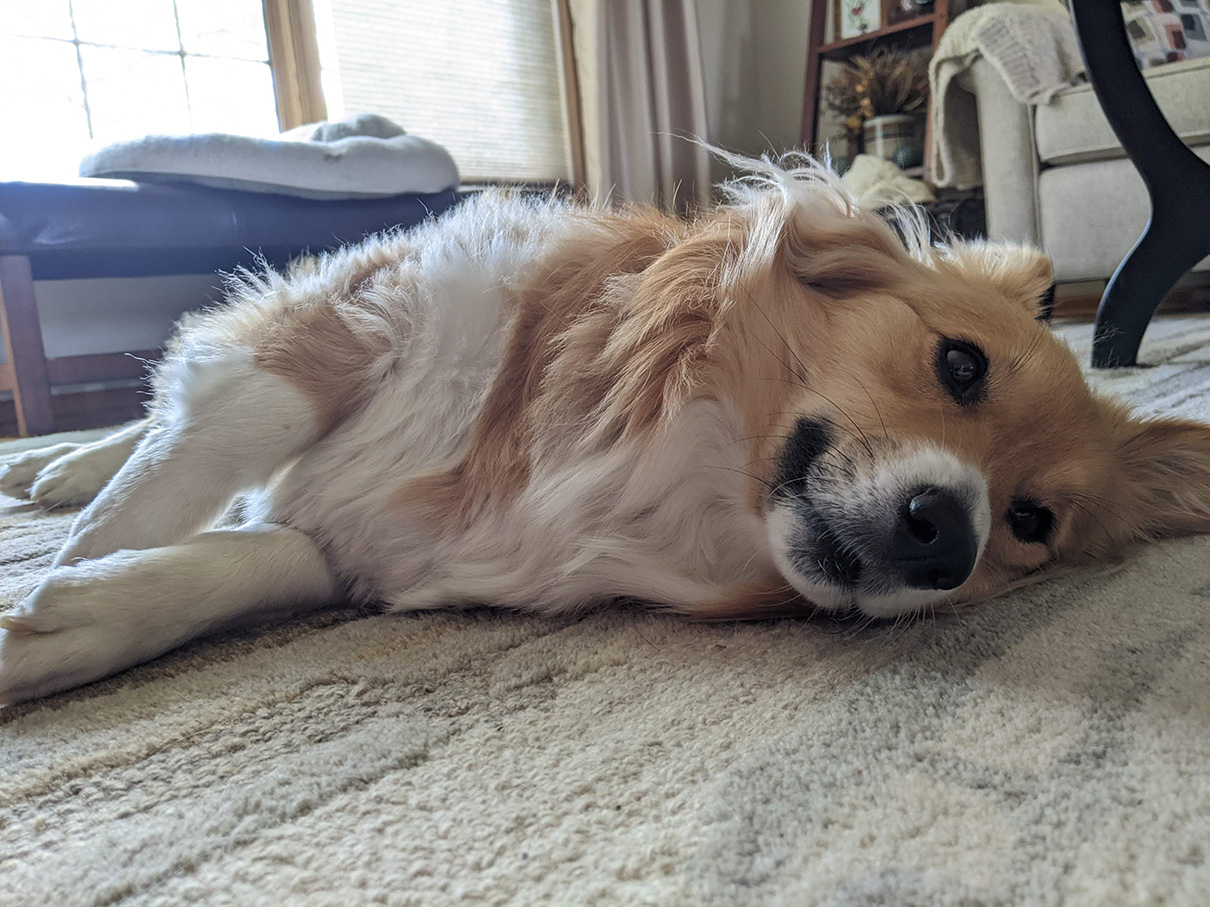
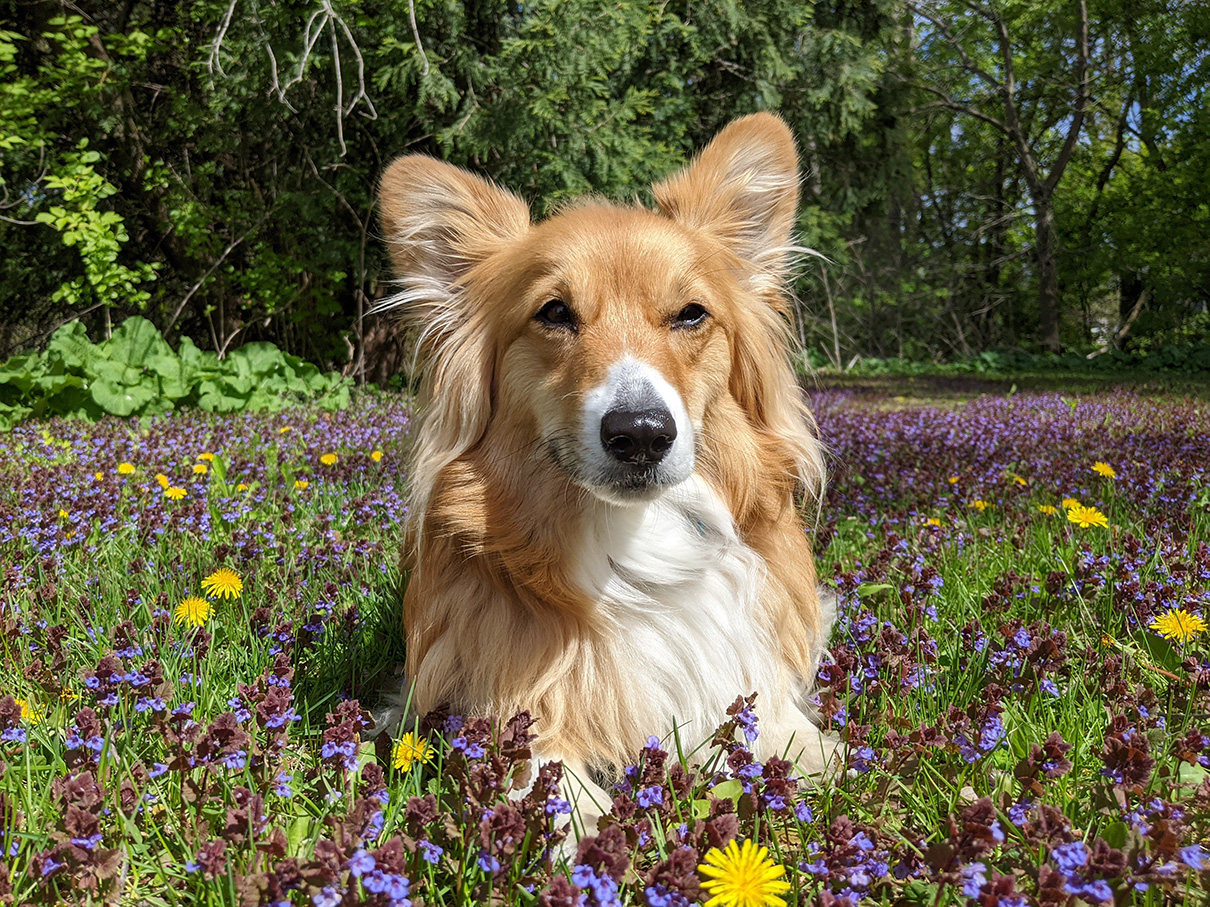
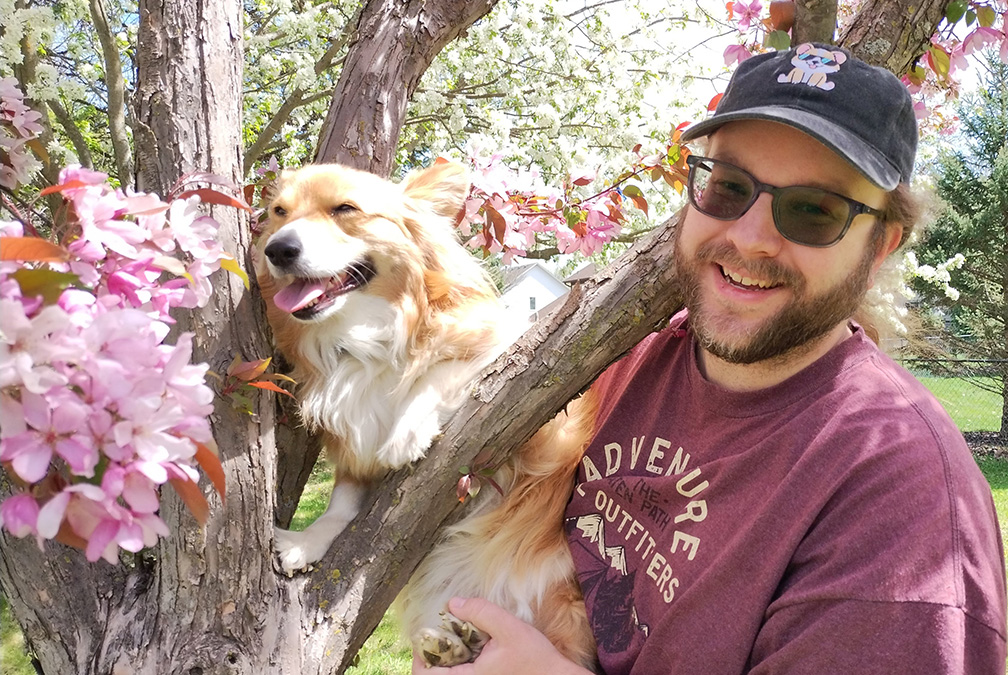
It’s been a while since we had some Zephyr time! Zeph is doing great and having a fun summer. She just got groomed and feels super soft!

Above: Zephyr chilling out on a hot day.

Above: Little girl in a little field of little flowers.

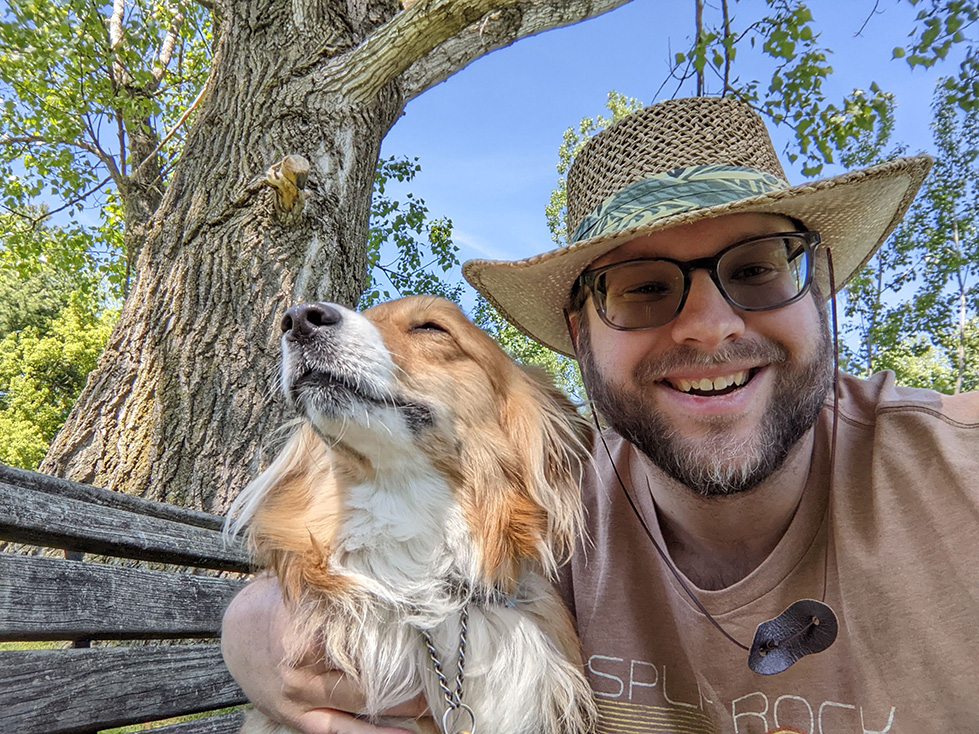
Above: Me and Zeph posing, with her on an old bench.

That’s all for today- See you Friday with lots of splatters!

-Will

Super Pixel Effects Gigapack v2.2.0

Super Pixel Effects GigapackSuper Pixel Effects GigapackSuper Pixel Effects Gigapackv2.2.0v2.2.0v2.2.0

This post is also available on my Patreon. Join up and get pixel art for your game!

Hey, everyone! I’m here again with more effects in Super Pixel Effects Gigapack version 2.2.0!

Let’s check ’em out:

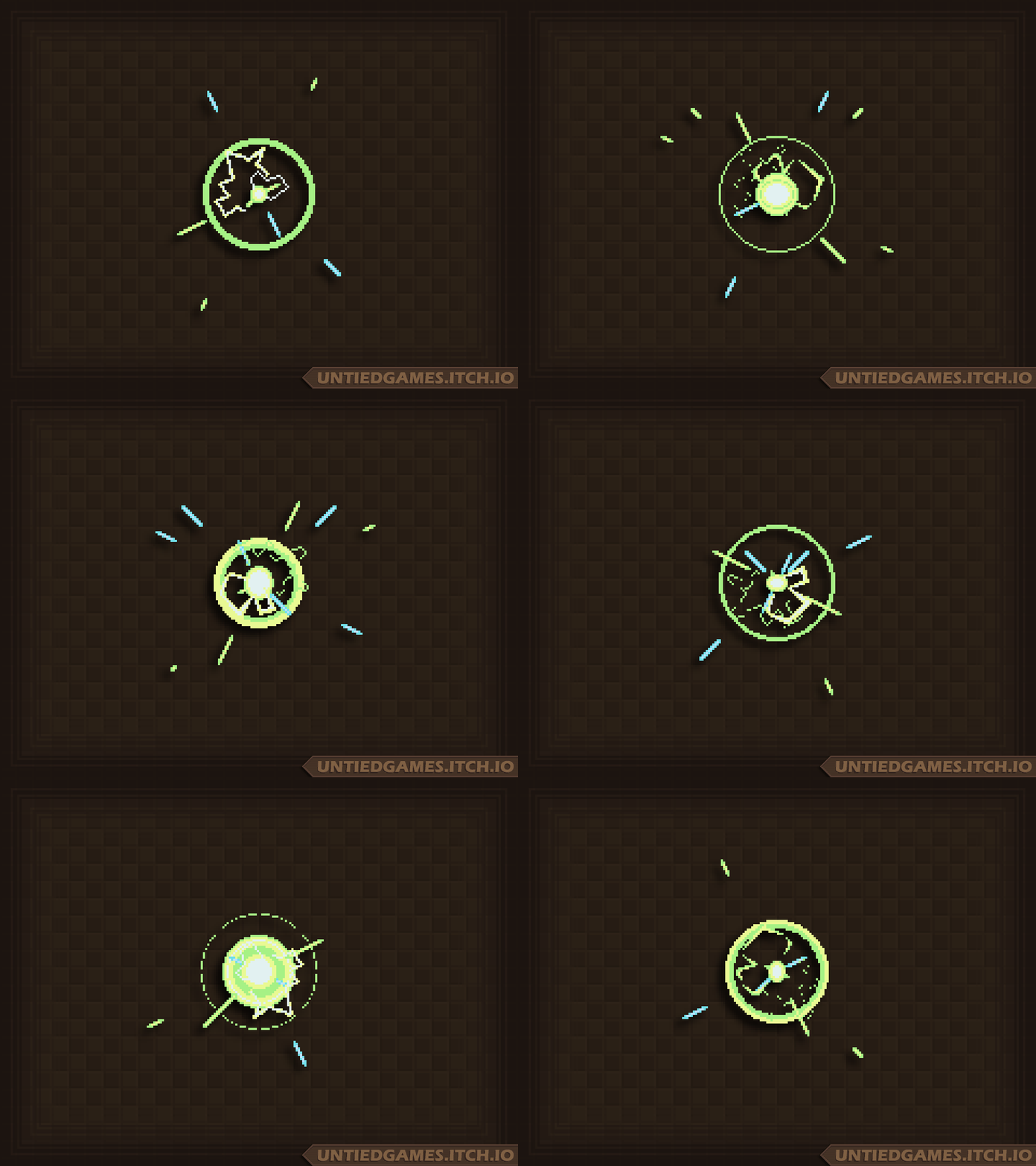
Five brand new effects have arrived: Two sci-fi charge-up effects, two muzzle flashes (also in the sci-fi category), and a “Level Up” text effect! As always, both large and small versions are included.

If you look closely, compared to the version from the WIP post on Wednesday the green/blue charge-up effect has been updated to have a better balance of the linear particles. The second charge-up effect is a little bigger, but maybe less volatile-looking. Muzzle flashes are a new type of effect for the pack- The first is a small one which I modeled a bit after a real muzzle flash, and the second is a larger, more stylized one suitable for the launch of a big attack. And I think the “Level Up” text speaks for itself!

Ready to get it for your game?

Super Pixel Effects Gigapack v2.2.0 can be downloaded from its dedicated Patreon page.
This download is currently available to $5+ patrons.

The free version is available here. Try it out!

Not into Patreon? Never fear- The Gigapack can also be purchased below!

Thank you for your support- See you next time!

-Will

Mini-WIP Wednesday: May 20, 2026

Mini-WIP Wednesday:Mini-WIP Wednesday:Mini-WIP Wednesday:May 20, 2026May 20, 2026May 20, 2026

This post is also available on my Patreon. Join up and get pixel art for your game!

Hey, everyone! I’m here today for just a real quick Work-In-Progress Wednesday, and a sneak peek of one of the new effect animations coming your way this Friday!

This week, we’ll be giving the sci-fi genre some love with brand new “charge up” effects! The one above is the first one completed, and after I finished drawing it I knew I had to show it off. At first, it didn’t have the electricity effect… But I’m really glad I added it! It makes it feel so powerful, like an explosion or attack is about to go off any second.

Aside from art, I’ve also been working on the Gigapack workflow behind the scenes. My checklist for releasing a Gigapack update currently has 46 steps (and that’s AFTER drawing the art!), so automating a little more of it is a good idea all around, because it reduces the chance that I’ll mess something up. Since last week, the workflow has been improved in the following ways:

  • The asset list is now automatically copied to the final export folders
  • The visual guide and readme are now automatically copied to the “New in Gigapack” folder
  • Visual guide GIF generation time is improved on my end (It no longer loads all the frames of every animation if it detects that the GIF already exists.)
  • Demo GIF should now be easier to create on my end
  • Added checklist item: Copy changelog to “New in Gigapack”

So… that part might not be super exciting, but it is to me! I love a good checklist, and I’m a bit of a perfectionist. If you’re using the “New in Gigapack” zips to upgrade during each update, you’ll now also get the changelog and visual guide changes along with it. Looking forward to using this workflow to make future updates the best they can be!

That’s all for today- See you Friday with new effects!

-Will

Super Pixel Effects Gigapack v2.1.0

Super Pixel Effects GigapackSuper Pixel Effects GigapackSuper Pixel Effects Gigapackv2.1.0v2.1.0v2.1.0

This post is also available on my Patreon. Join up and get pixel art for your game!

Hey, everyone! I’m here with a late-night update, bringing you Super Pixel Effects Gigapack version 2.1.0!

This update is all about text effects! I made two demo GIFs this time, to show both the small effects and the large effects.

They’ll look pretty similar, but you can notice that the pixels are much smoother in the second GIF because it’s using a larger font. (The zoom level of the GIF keeps them about the same size for demo purposes.)

This unique update is powered by a new tool I’m working on. With my custom pixel art fonts as input, I can do some clever stuff with my game engine to make these juicy text effects possible. This makes this update the first Gigapack update to technically feature not-fully-hand-pixeled art, since the scaling of each glyph (letter) is done by the application. Nothing I couldn’t do by hand in Aseprite, though! I’ve always embraced experimentation in pixel art, whether it’s Blender 3D, particle simulations, or in this case, a text effect maker! Basically, anything goes as long as I’m in control as the artist- No AI, ever.

The effects turned out just the way I envisioned! Each glyph bounces into place, squashing and stretching as it goes. The keyframes are hand-coded, for now. Once the text has fully appeared, it pauses for a few frames. You can hold this pause as long as you want in your own games, before proceeding to the text’s disappear animation.

I’m hoping I can continue work on this tool and eventually make it available, but for now you can look forward to new text effects in future updates. Of course, lots of hand-pixeled animations are coming your way as well!

Also in this update: All spritesheets have been re-exported to be more reasonable dimensions! No more 8000px+ wide single-row sheets for long animations. All dimensions are now a power of 2 and my sheet maker now tries to make somewhat square-ish sheets.

Ready to get it for your game?

Super Pixel Effects Gigapack v2.1.0 can be downloaded from its dedicated Patreon page.
This download is currently available to $5+ patrons.

The free version is available here. Try it out!

Not into Patreon? Never fear- The Gigapack can also be purchased below!

WIP… Thursday?! May 7, 2026

WIP… Thursday?!WIP… Thursday?!WIP… Thursday?!May 7, 2026May 7, 2026May 7, 2026

This post is also available on my Patreon. Join up and get pixel art for your game!

Hey, everyone! I’m here for a Work-In-Progress Wednesday Thursday! On top of already running behind from being sick last week (feeling better this week!), I’ve been dealing with some of my folks’ medical stuff and just got back from the emergency vet to get Zephyr to barf after eating a human medicine pill. (She’s fine!)

So, this is just gonna be a little check-in post, and the next Gigapack update will get moved to next Friday. Here’s a few things I’ve been up to:

Gigapack Spritesheets Update

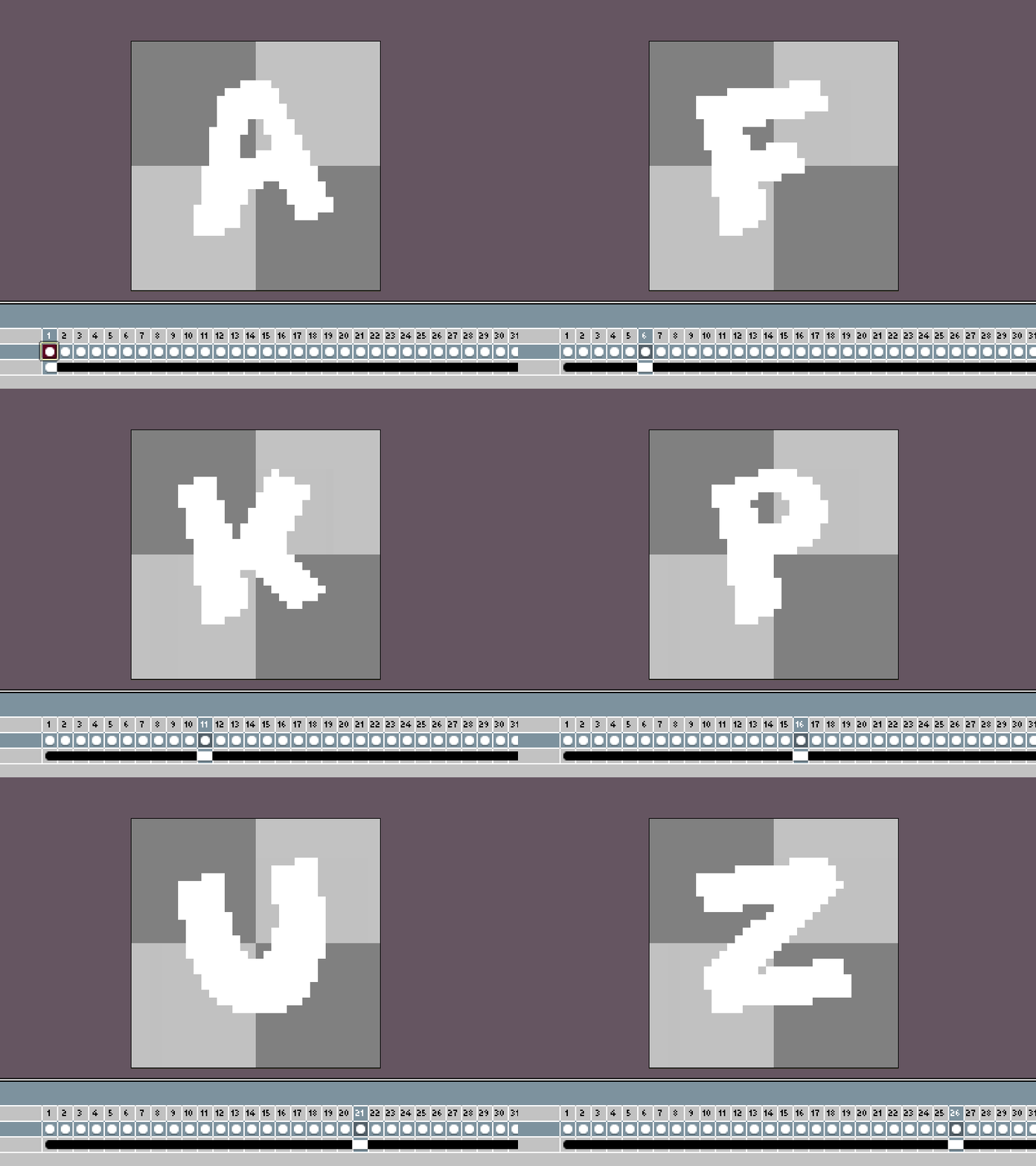
This issue was brought up by a new patron- Some of the spritesheets in the Gigapack are kind of big. Not tall necessarily, but wide. Some long animations can have a sheet over 8000 pixels wide! This hadn’t been a huge issue before, but some of these sheets are running into some users’ max texture sizes, so I definitely wanted to address the spritesheet layout in the next update.

In the first pic above, you can see the “before…”

And in the second pic, “after!” The original method of spritesheet generation was purely horizontal sheets, while this new method makes more rectangular or square sheets. Each sheet’s width and height is a power of 2, so using them in-game is as optimized as possible! Parsing the sheet’s metadata is the best way to do that- It’s always in the format “filename.png = x y w h”. If you’re importing to Unity or another tool and wish to slice the sheet into individual frames, just take a peek at the metadata to get the frame size and you should be good to go.

In the next update, all spritesheets will be updated to use this new layout.

Localization

So, this is a new one for me. I’ve never really implemented any sort of localization stuff in my games or tools, but as I continue working on SparkBolt Studio and as I write the script for Atmocopter, I’ve been thinking about how I’d go about it. If you’re unfamiliar, “localization” is the process of adapting and translating a product’s text for other regions.

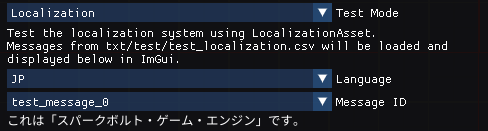
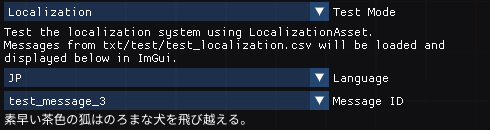
The first step is to have some test data. I wrote some test messages in a spreadsheet and gave them unique IDs, which I’ll use in the game or app instead of directly putting these strings in the program. Then I wrote some Japanese translations (which may or may not be perfect, it’s been a while since I wrote any), and designed a new type of asset for my engine so it can load them.

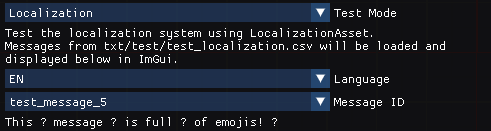
As you can see above, I’m able to select a language and successfully display the message! For now I’m only displaying it through Dear ImGui, since I haven’t exported a Japanese sprite font to use with the engine’s text class.

Emoji, on the other hand, don’t display since I haven’t added them to the font. I’m not sure how far I’m willing to go to support them at this point, but for now they make a good “missing glyph” test case!

It’s kind of interesting that I’m just getting to a point where I feel like I can write some actual lines of dialogue for Atmocopter, just as I’m getting to the point where I can have an asset format that supports it. While I was at the hospital waiting for my dad yesterday, I got a lot done on Atmocopter’s story outline, so I’m excited to continue work on it!

Next Gigapack Update: New Text Symbols

The next Gigapack update will include text symbols made with a brand new font!

This font is nice and quirky, and I’m going to spell out things like…

  • “Wow!”
  • “Bonus!”
  • “Radical!”
  • “Nice!”

…And so on. I haven’t decided yet how the animations will play out, but expect them to be happy, bouncy, and colorful!

Schedule

Here’s my updated tentative schedule for the next month:

I’ll be on a much-needed break starting this weekend, but until then I’m going to continue work on new effects so I can bring you that update next Friday. Zephyr and I are going to enjoy the springtime!

Thank you for your support, and see you again soon! Can’t wait to get more pixel art to you!

-Will

WIP Wednesday: April 29, 2026

WIP Wednesday:WIP Wednesday:WIP Wednesday:April 29, 2026April 29, 2026April 29, 2026

This post is also available on my Patreon. Join up and get pixel art for your game!

Hey, everyone! “I’m here today for another Work-In-Progress Wednesday….” is what I’d like to say, but I’ve been sick this week and am still working on getting better.

So, instead of a look forward, let’s take a look backward today and check out some blasts from the past:

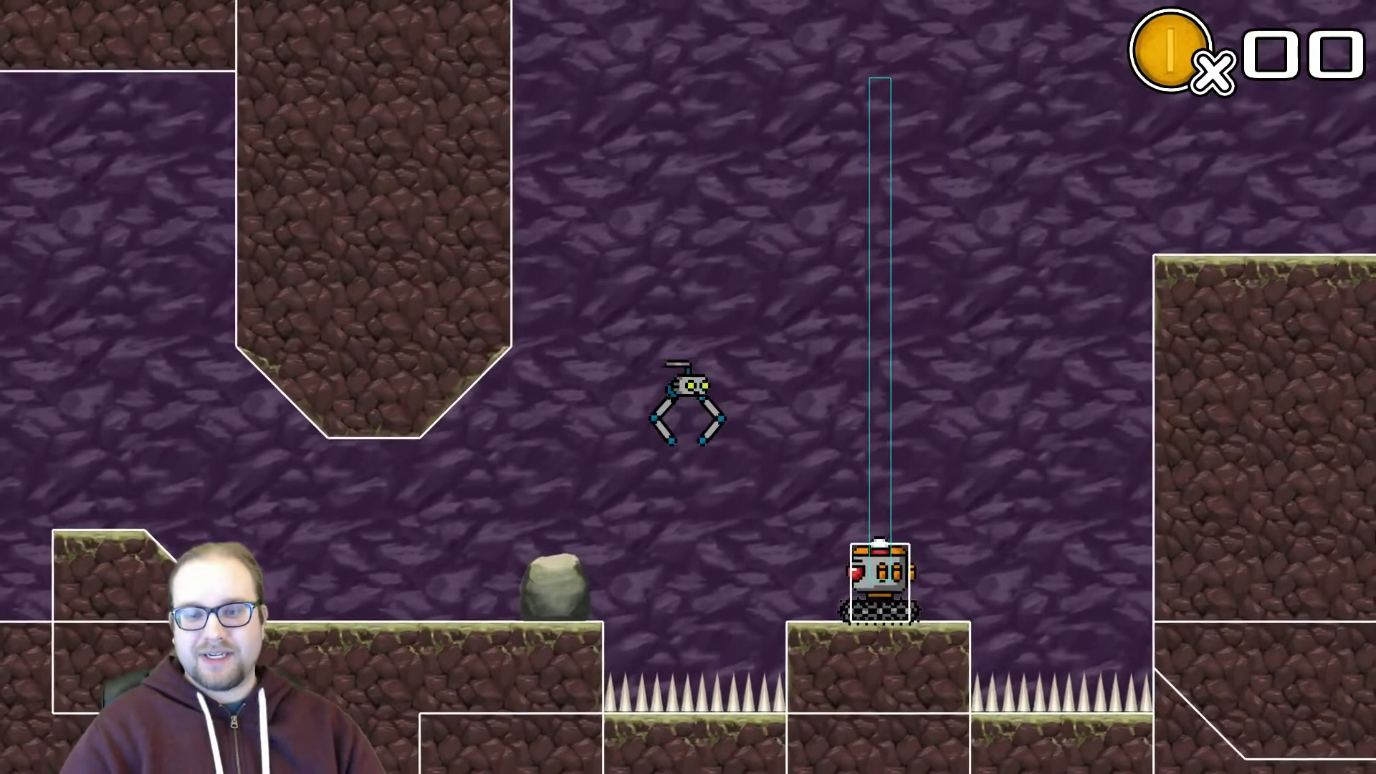
  • HeliRobo Prototype: Devlog #1
    The very first video devlog I made, almost exactly 11 years ago! This video shows the origins of Atmocopter. I started playtesting the player’s movement in a level from a totally different game! And boy, was that movement different from today. The player controlled much more like a helicopter or one of those old “lander” style games. From these humble origins, Atmocopter was born!

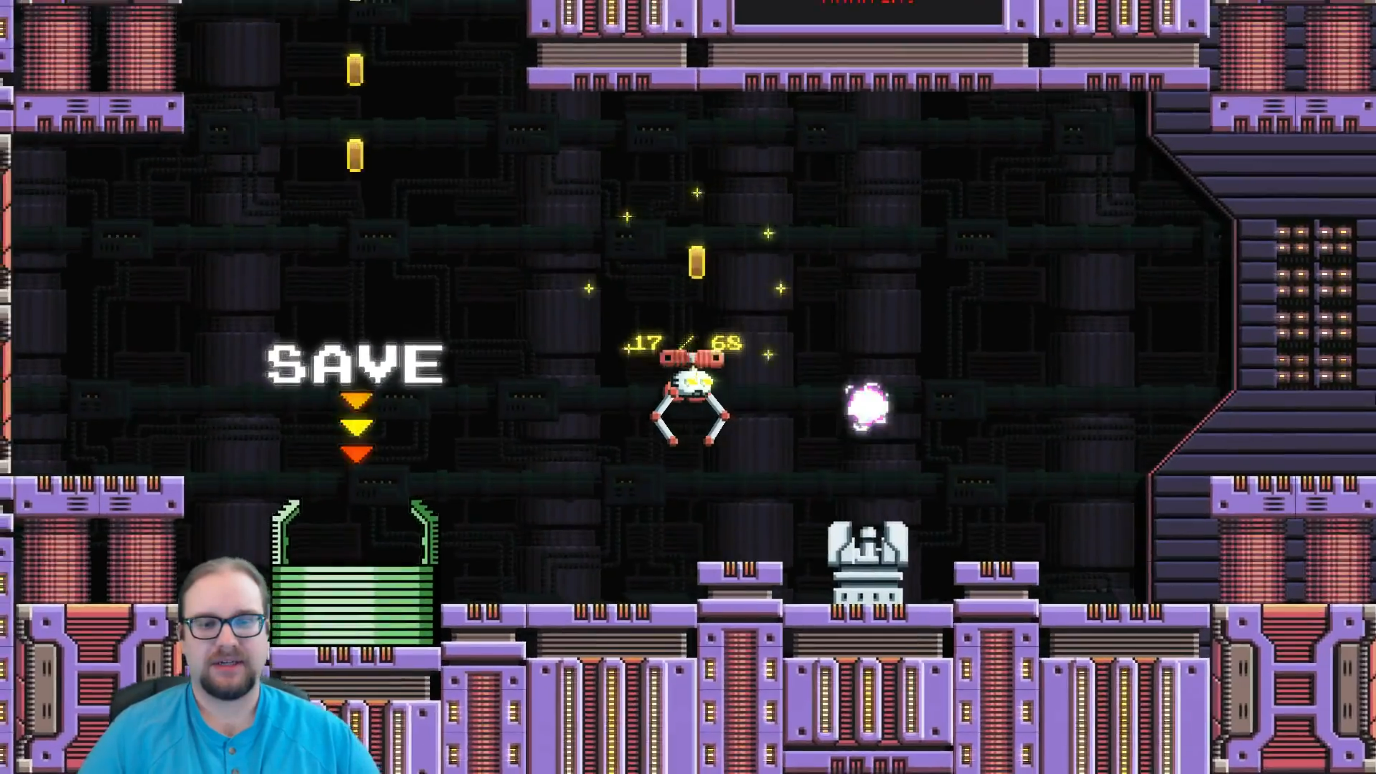
  • Atmocopter Update! Devlog #10
    Coming about a year after the first devlog, the tenth devlog shows a good look at how Atmocopter was shaping up. Notably, the player still has helicopter-style controls, and puzzles are limited to dodging obstacles while managing a grabbed object. (Atmocopter can’t attack yet!)

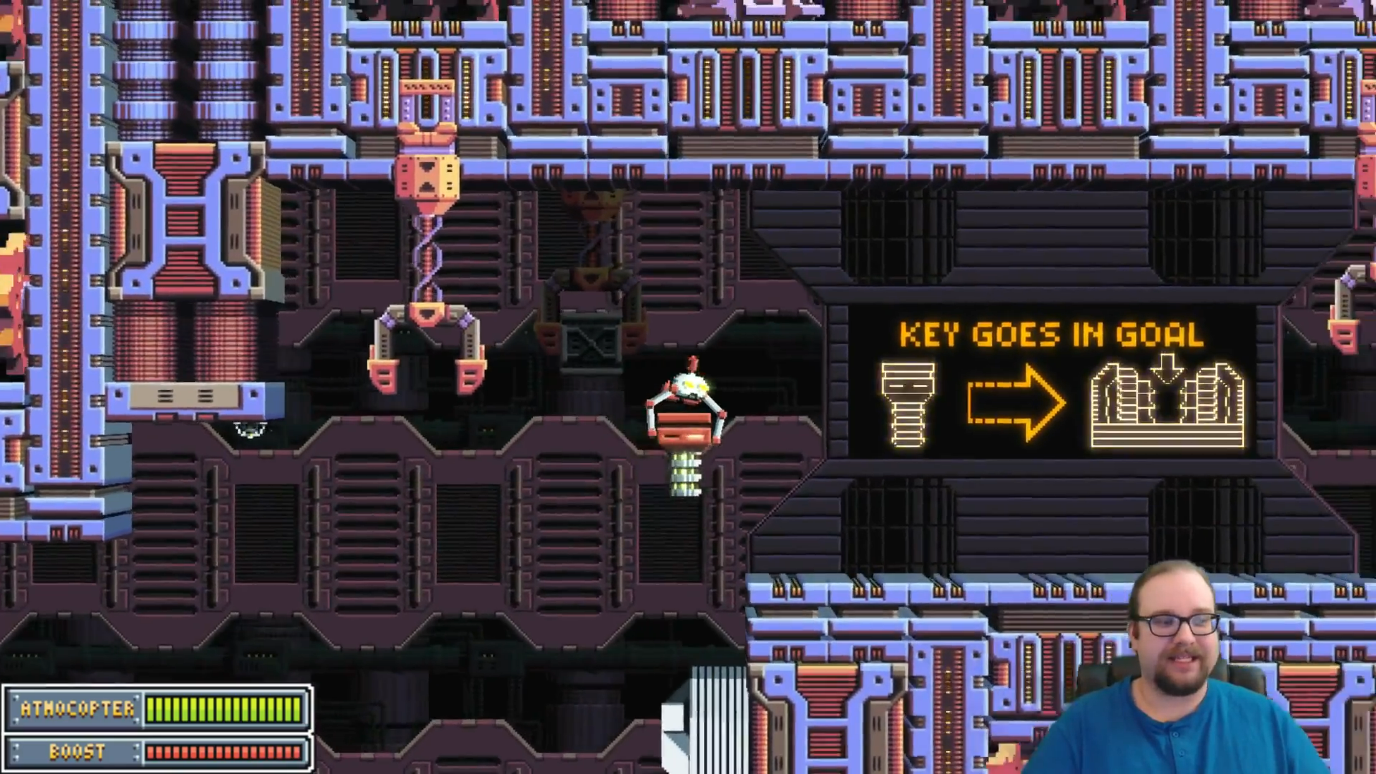
  • A Tale of Two Atmocopters: Devlog #23
    Finally, about two and a half years after the first devlog, this special devlog offers a showcase of old versus new. In this video I compared the old version of Atmocopter to a much newer version, which offers much better graphics, improved player controls, and a way for Atmocopter to attack. Having an attack was such a big deal- I was able to implement so many new challenges and even a boss thanks to that.

Of course, we know what happened after that! Atmocopter became a fully-fledged platformer, and is better off for it. All three of these videos showcase Atmocopter with helicopter-like controls, and I feel like players were fighting them all the time. That was part of the design and the experience, but I felt like it was hiding a better experience underneath. Even when I made it a little easier and later on even removed gravity for the player entirely, it still didn’t feel great and it was still hard to make levels, because I couldn’t plan around where the player is likely to be.

Long story short, I’m looking forward to developing the game further and (finally) bringing Atmocopter to completion soon! 11+ years is a long time for a project, although it was never my full-time project and a lot of other opportunities and side-quests came up along the way. I feel like that’s almost a good thing though, because I can tell how much I’ve improved as a programmer, artist, and designer over that time, and now I feel like I really CAN complete this game. (Especially with a better engine!)

Anyway- That’s all for today! Going to just take it easy while I get better. Once I’m feeling good I’ll update the pixel art schedule- Things will probably have to shift around a bit. See you next time!

-Will

SparkBolt + Atmocopter Progress! DEVLOG 25

SparkBolt + AtmocopterSparkBolt + AtmocopterSparkBolt + AtmocopterProgress! DEVLOG 25Progress! DEVLOG 25Progress! DEVLOG 25

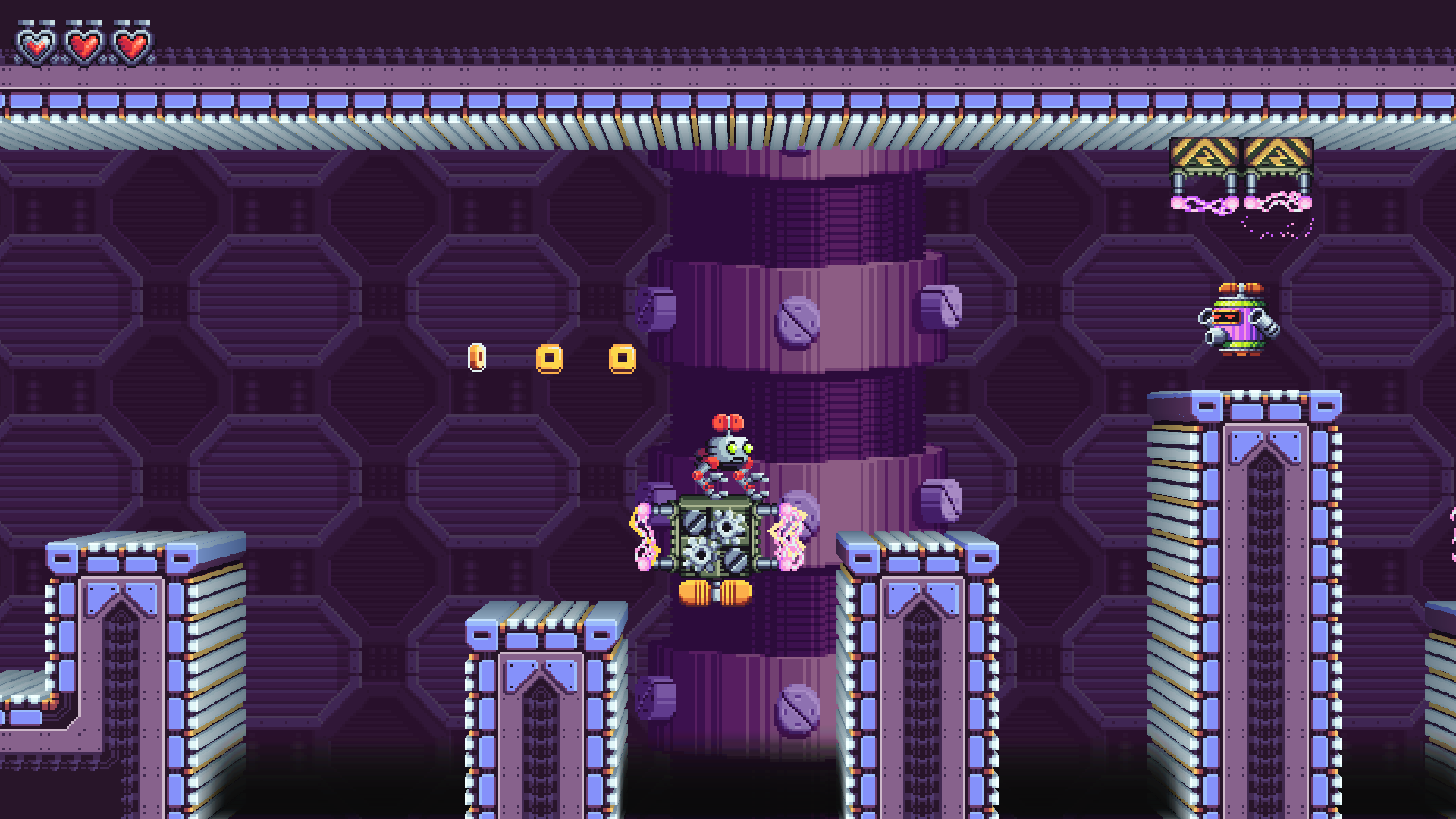
Hey, everyone, here today with a brand new devlog video, extra long this time and full of in-depth analysis of the latest and greatest in Atmocopter. But first, we’ll check out Super Pixel Effects Gigapack, then take a look at SparkBolt Studio, my upcoming pixel art sprite / tileset / level editor! Special thanks to all the amazing players who blasted bots and solved puzzles in Atmocopter at VGM Con this year!

The convention was fantastic, and I had a great time demoing Atmocopter. I got tons of great feedback and people loved the game, so I must be doing something right! It was also wonderful to see some of the members of my local dev community again- It had been a while. Good to reconnect!

That’s all for today- Enjoy the peek at SparkBolt Studio and the Atmocopter level analysis, and we’ll be back to pixel art next week!

-Will

WIP Wednesday: April 15, 2026

WIP Wednesday:WIP Wednesday:WIP Wednesday:April 15, 2026April 15, 2026April 15, 2026

This post is also available on my Patreon. Join up and get pixel art for your game!

Hey, everyone! I’m here for one more Work-In-Progress Wednesday ahead of VGM Con. Let’s dive right in and see the fun new objects, enemies, and effects in Atmocopter that folks at the convention will get to play around with!

Fans + Fan Switches

Making their return from the old version of Atmocopter are fans! Fans are objects which Atmocopter can grab and move around to blow wind at other objects. Blowing wind at a fan switch causes it to turn, which unlocks doors. In this version, fans have gotten a big upgrade- You can turn grabbed objects, and blow wind in other directions!

This is not only useful for permanently clearing clouds…

…But you can also point the fan downwards and use it as a vertical boost! This will help Atmocopter get to hard-to-reach places. This is still kind of the first draft of this effect, so it might change in the future.

For some objects like fans, only certain rotations are valid. For example, you can’t turn the fan to face up. The reason is for gameplay- It would be really hard to grab the fan again if you turn it upwards and let go of it! The code correctly skips these invalid rotations, no matter which direction you rotate in.

New Enemy: Blasturret

This enemy’s graphics have been complete for a while, but this little guy never made it into the game, until now! Blasturret starts out hidden in a little dome on the ground, then pops up to deliver a volley of three energy blasts before retracting again. While inside the dome, Blasturret is invincible. As you can see in the GIF, you can duck under Blasturret’s shots. Depending on the enemy’s placement, it won’t always be this easy to dodge them!

A Lil’ Juice

Atmocopter now has a liftoff and land dust effect! There are new sound effects for jump, land, and hover as well, but of course that’s a little hard to bring to you in GIF form.

…And of course, lots and lots of bug fixes along the way! I’ll be hard at work on the game right up until the convention on Friday. I think I’ll be able to bring a whole new level!

See you after VGM Con with a postmortem of the experience, and then it’s back to pixel art!

-Will