WIP Wednesday: June 24, 2026

WIP Wednesday:WIP Wednesday:WIP Wednesday:June 24, 2026June 24, 2026June 24, 2026

This post is also available on my Patreon. Join up and get pixel art for your game!

Hey, everyone! I’m here today with a fresh Work-In-Progress Wednesday!

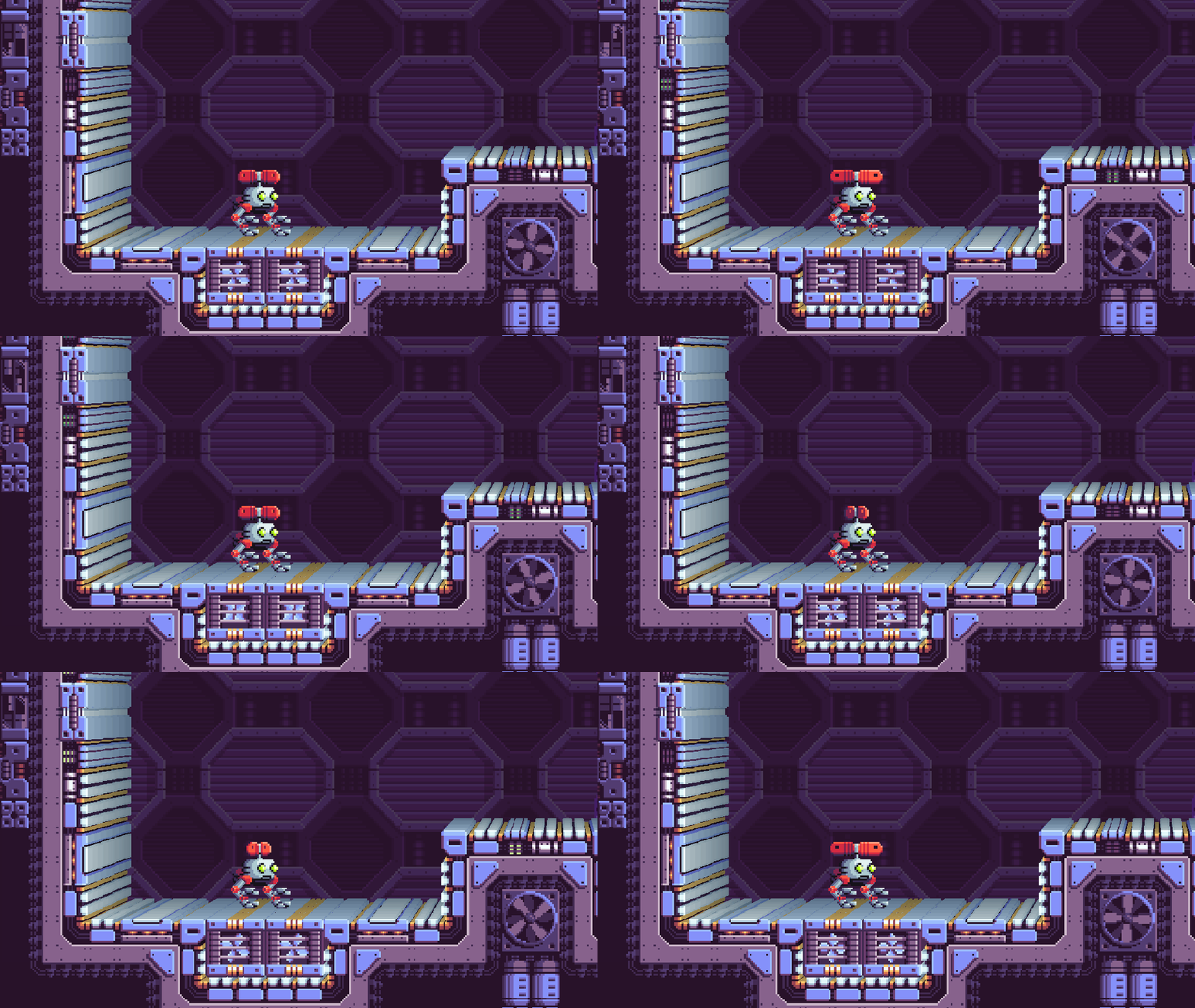
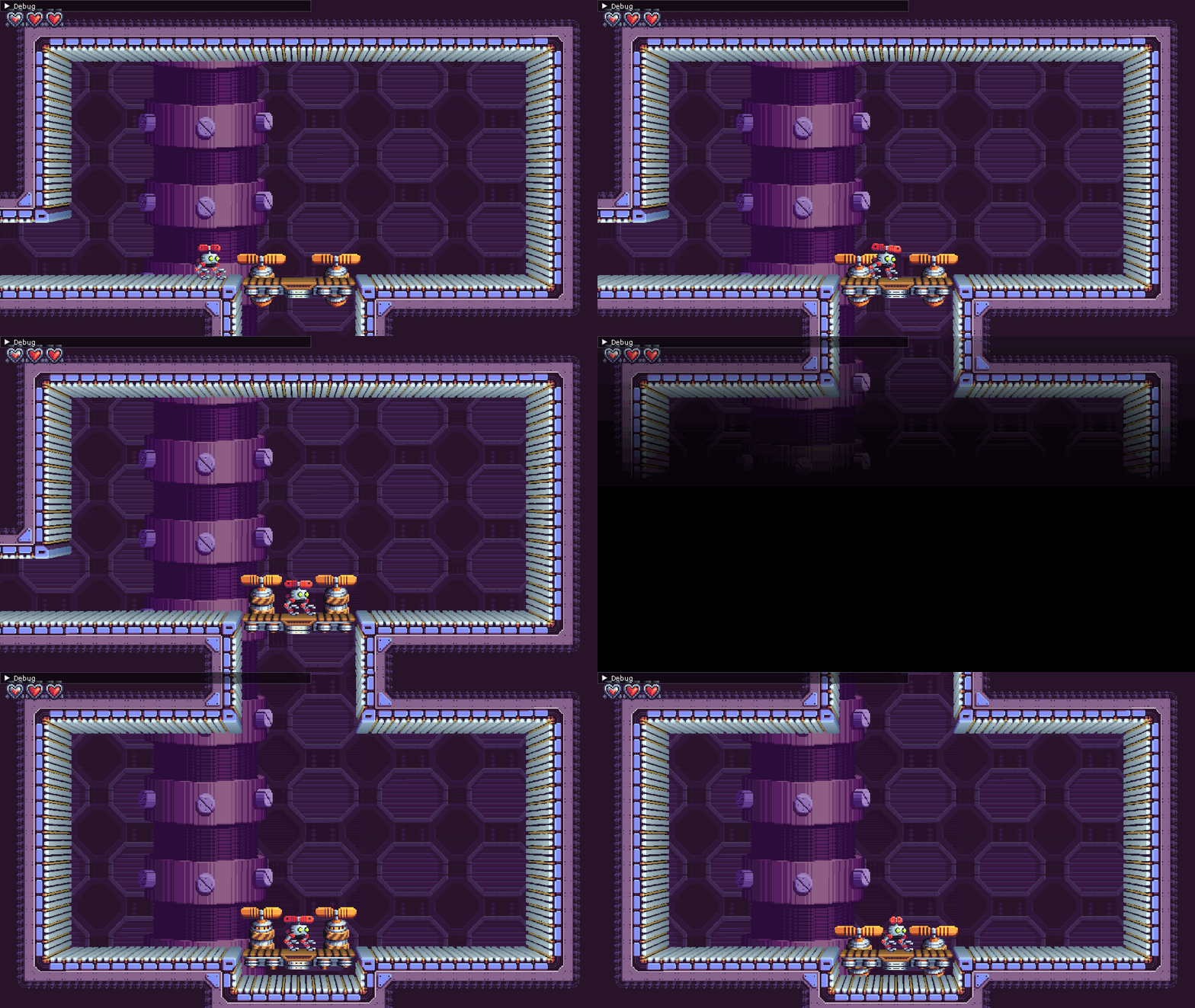
This is just a quick one today. I finished a new feature in Atmocopter earlier this week: Transitions!

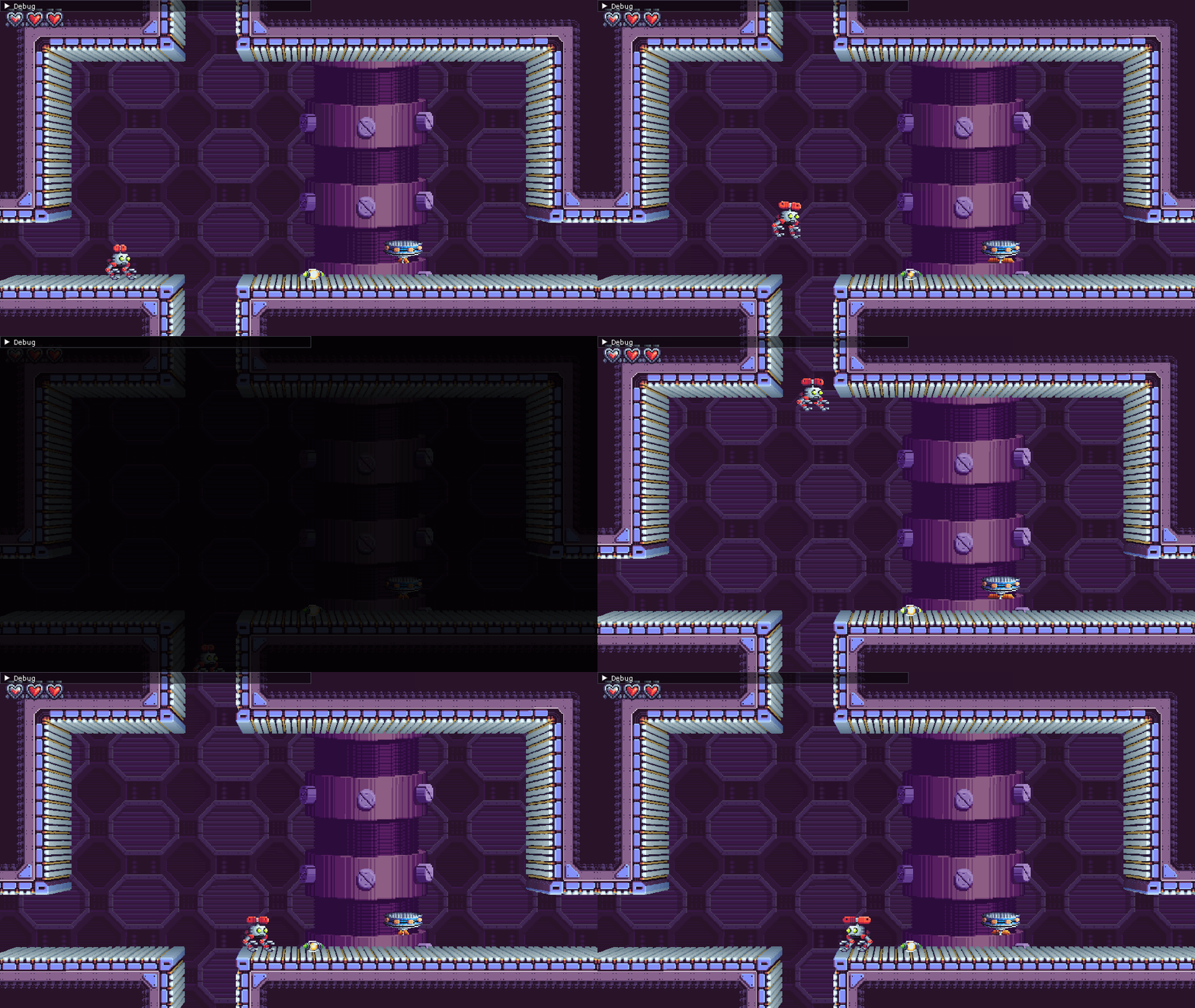
It might not seem like much, but these are no ordinary transitions like the ones between screens. These transitions are set up to be able to warp Atmocopter to any spot in the level, or (eventually) even to other levels!

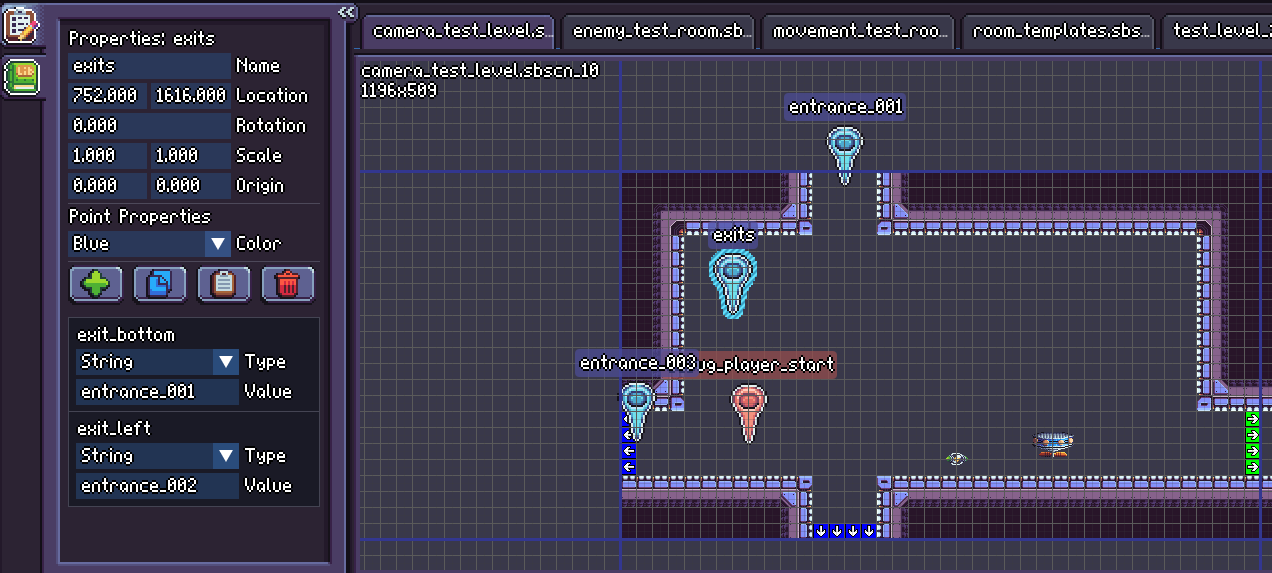
Above is a peek at how it looks in my editor. The normal screen transitions are marked in green (right edge of the room), and special transitions are marked in blue (bottom and left edges). The blue “entrance_XYZ” points indicate an entrance from a special transition, and the blue point marked “exits” holds the data to hook it all up. You can see that data in the properties list in the left pane, which lets the game know that the bottom exit should lead to entrance_001 and the left exit should lead to entrance_002.

Hit “Continue Reading” for more pics and GIFs!

Continue reading »

Super Pixel Effects Gigapack v2.5.0

Super Pixel Effects GigapackSuper Pixel Effects GigapackSuper Pixel Effects Gigapackv2.5.0v2.5.0v2.5.0

This post is also available on my Patreon. Join up and get pixel art for your game!

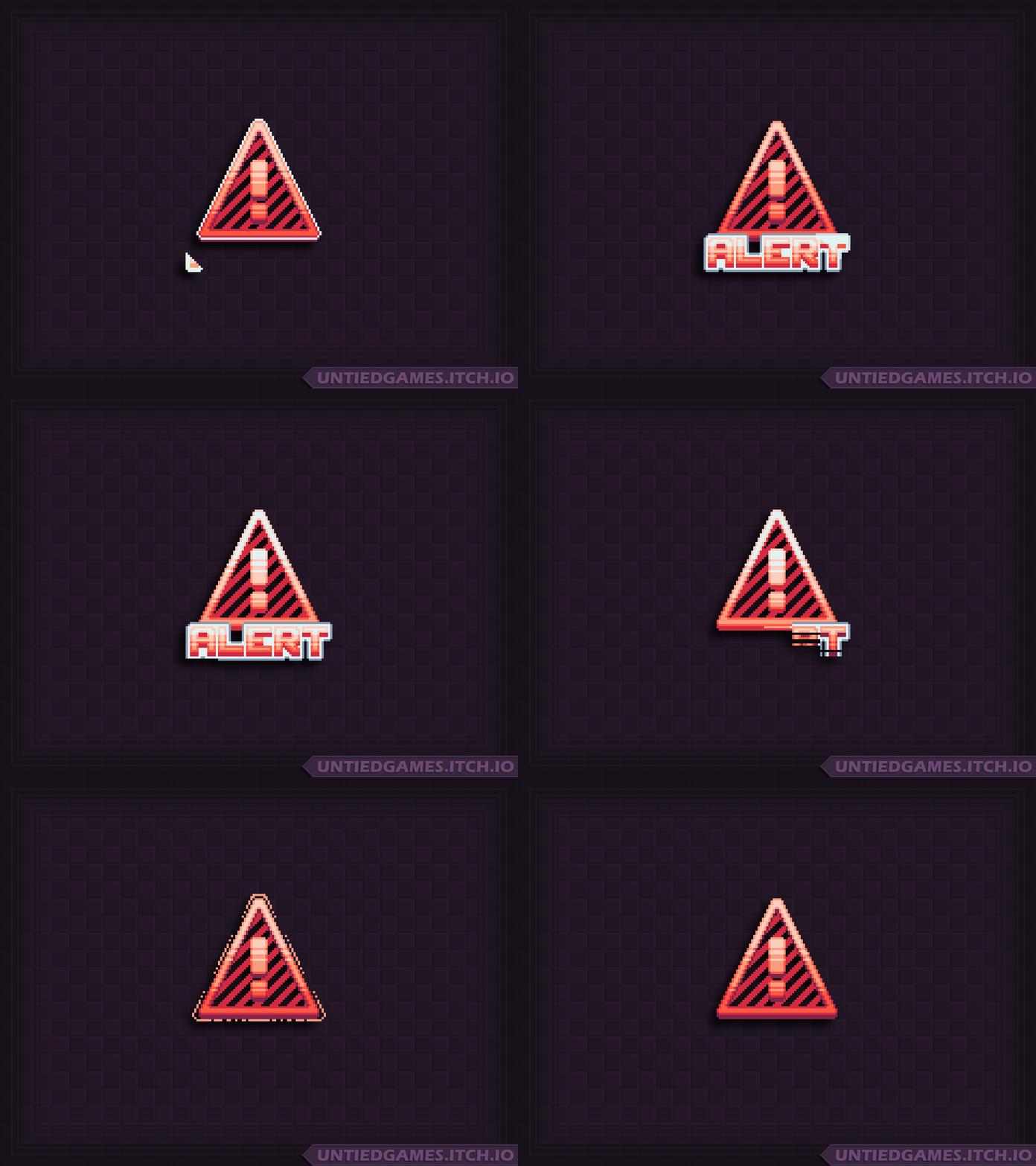
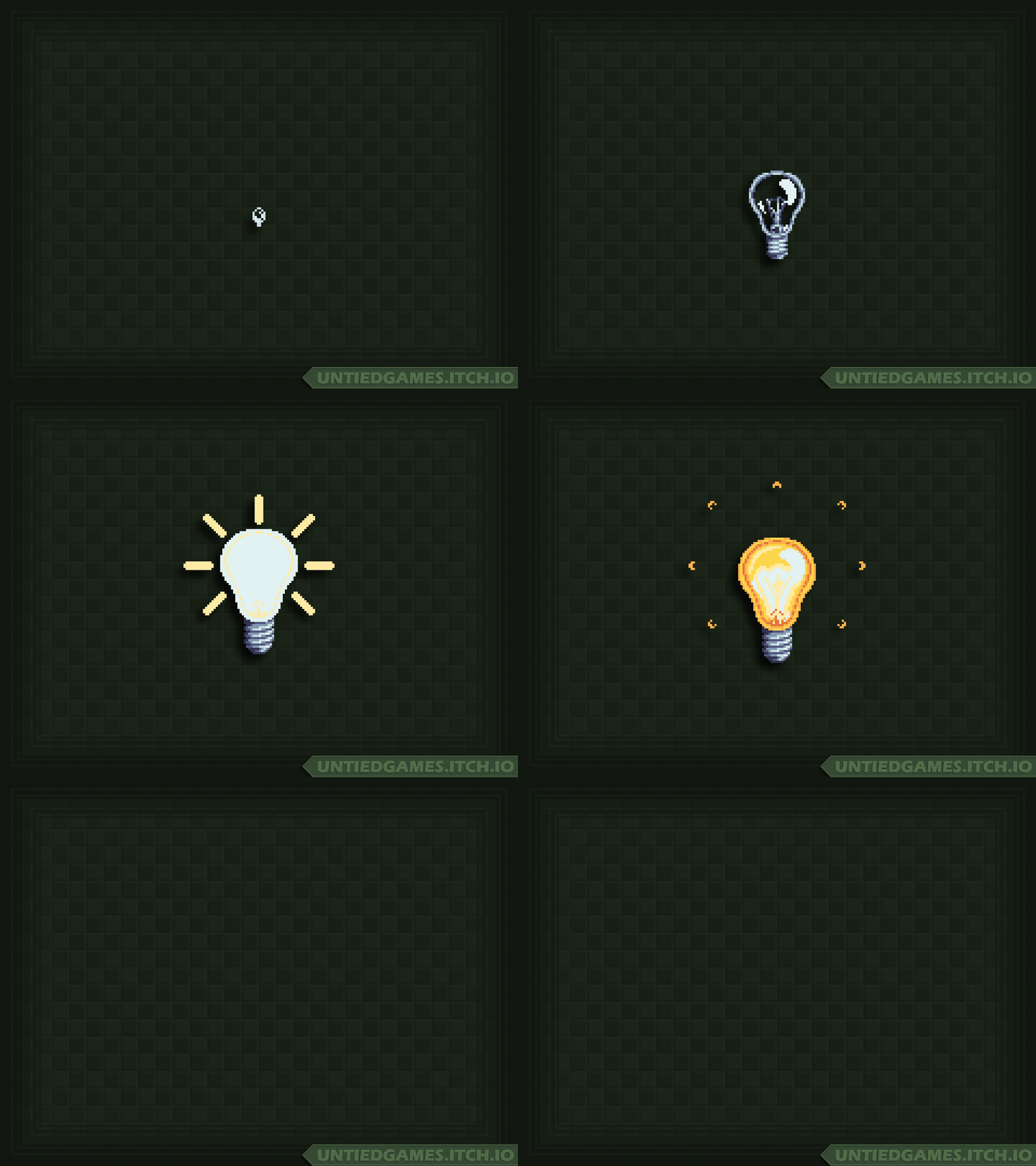
Hey, everyone! I’m here tonight with Super Pixel Effects Gigapack version 2.5.0! This update includes new fantasy effects and text symbols:

New since the work-in-progress post are the text effects and a friendly-looking heal animation! I also made sure to add a silver (gray) color variant of the crown, so you can do a first/second place kind of thing. The impact effect I’m working on needs a little more time in the oven, so I shuffled it around to the next update. The next update is going to be a blast!

Ready to get it for your game?

Super Pixel Effects Gigapack v2.5.0 can be downloaded from its dedicated Patreon page.
This download is currently available to $5+ patrons.

The free version is available here. Try it out!

Not into Patreon? Never fear- The Gigapack can also be purchased below!

Thank you for your support- See you next week on Work-In-Progress Wednesday!

-Will

WIP Wednesday: June 17, 2026

WIP Wednesday:WIP Wednesday:WIP Wednesday:June 17, 2026June 17, 2026June 17, 2026

This post is also available on my Patreon. Join up and get pixel art for your game!

Hey, everyone! I’m here tonight with another installment of Work-In-Progress Wednesday!

Upcoming Gigapack Effects

Here’s what’s on the way for Super Pixel Effects Gigapack this week:

Above are two new effects coming in the next update: A “forge” spell, and a crown symbol! The forge animation is a stylized 3-hit impact designed to power up a player, card, or ability… But it would also be great as an attack! The crown symbol is all-around useful- Use it as a UI element in a menu to indicate 100% completion, or show the crown over the head of the player currently in the lead in your game. Like some other symbols, it’s informally divisible into three segments- Appear, loop (the shining part), and disappear. Feel free to change the pacing of it to fit your game!

Next up, let’s take a look at a work-in-progress effect:
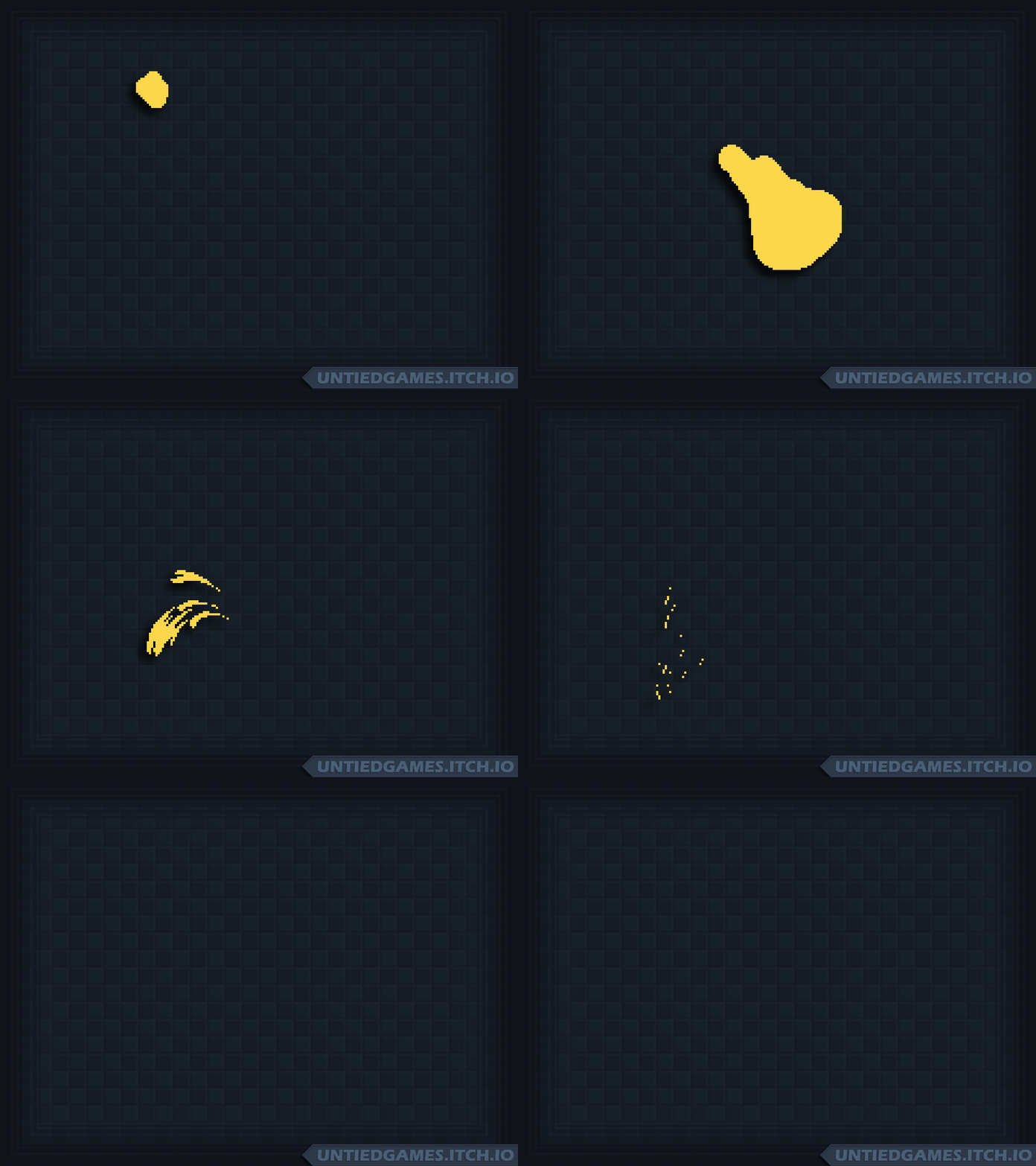
Phew, that really puts the “WIP” in “WIP Wednesday!” This rough animation is the start of a stylized impact. I wanted to share this so you can see a bit of the process. I started just by blocking out each frame of the projectile, and you can see some of the stretching and squashing of it as it impacts. I thought it would be fun if the impact projectiles turned into some kind of sparks, so I tried it out over on the left side of the impact, leaving the right side unfinished for now. Aside from finishing off the sparks and shading it, there are a couple different directions I could take here- Add lightning to make it a bit more epic and unique, add an impact ring to emphasize the hit…. Maybe both, we’ll see!

Atmocopter Progress

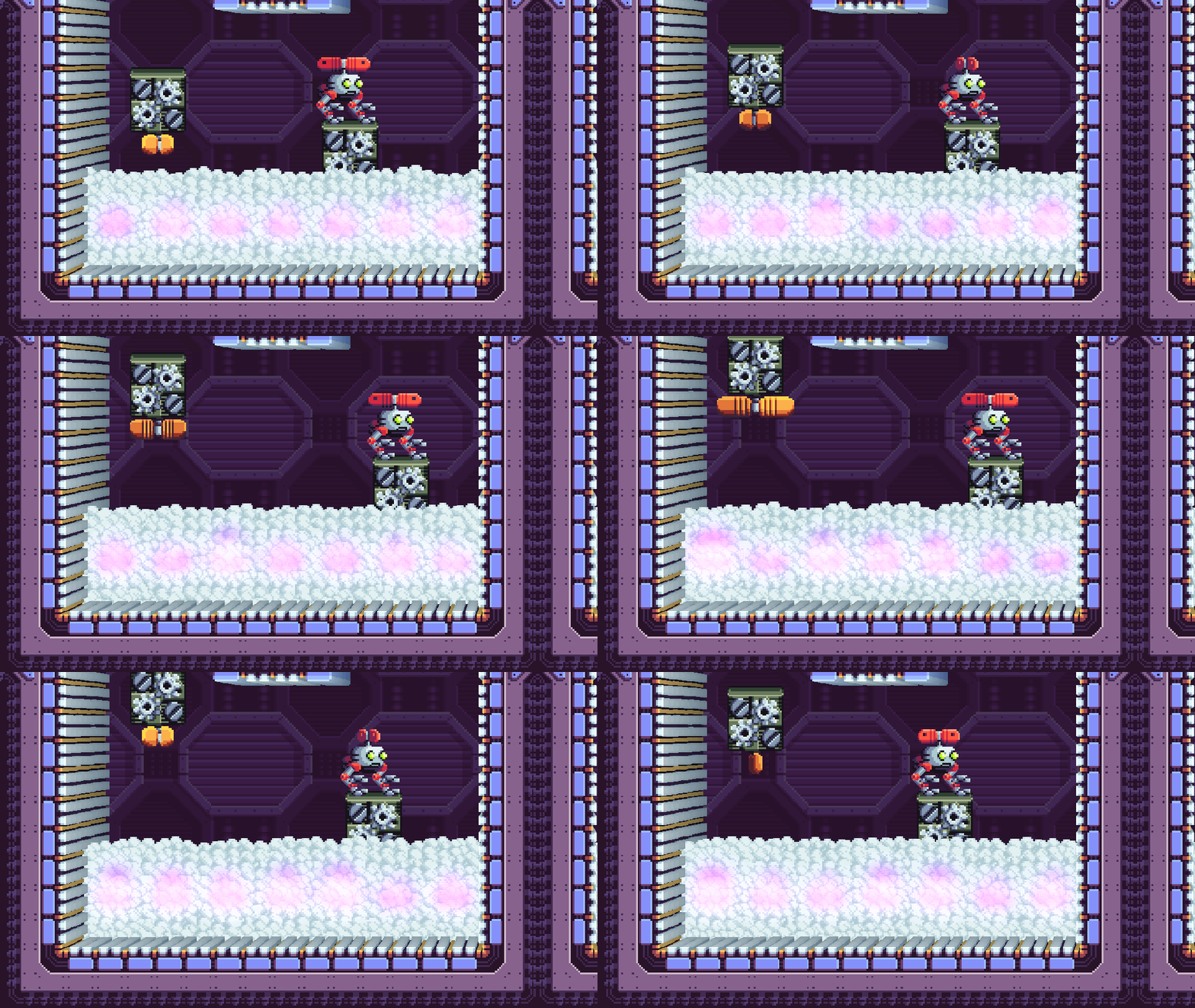
Over the weekend, I implemented one-way platforms!
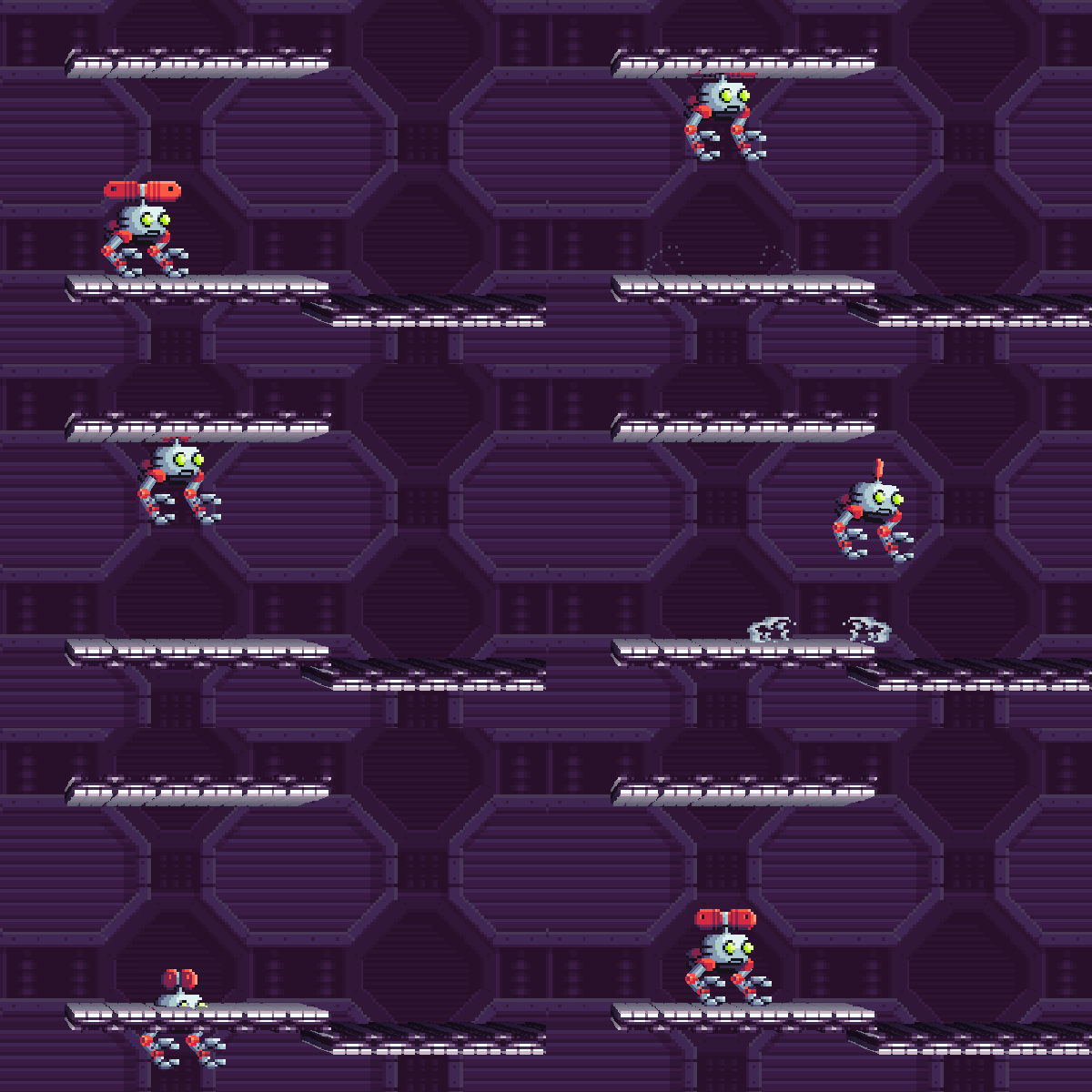
As you would expect, they only allow Atmocopter to pass through in one direction. They’re supported in four different directions, to act as floors, ceilings, or walls. I wasn’t sure how they’d end up looking with the 3D terrain effect, but I kind of like it a lot.
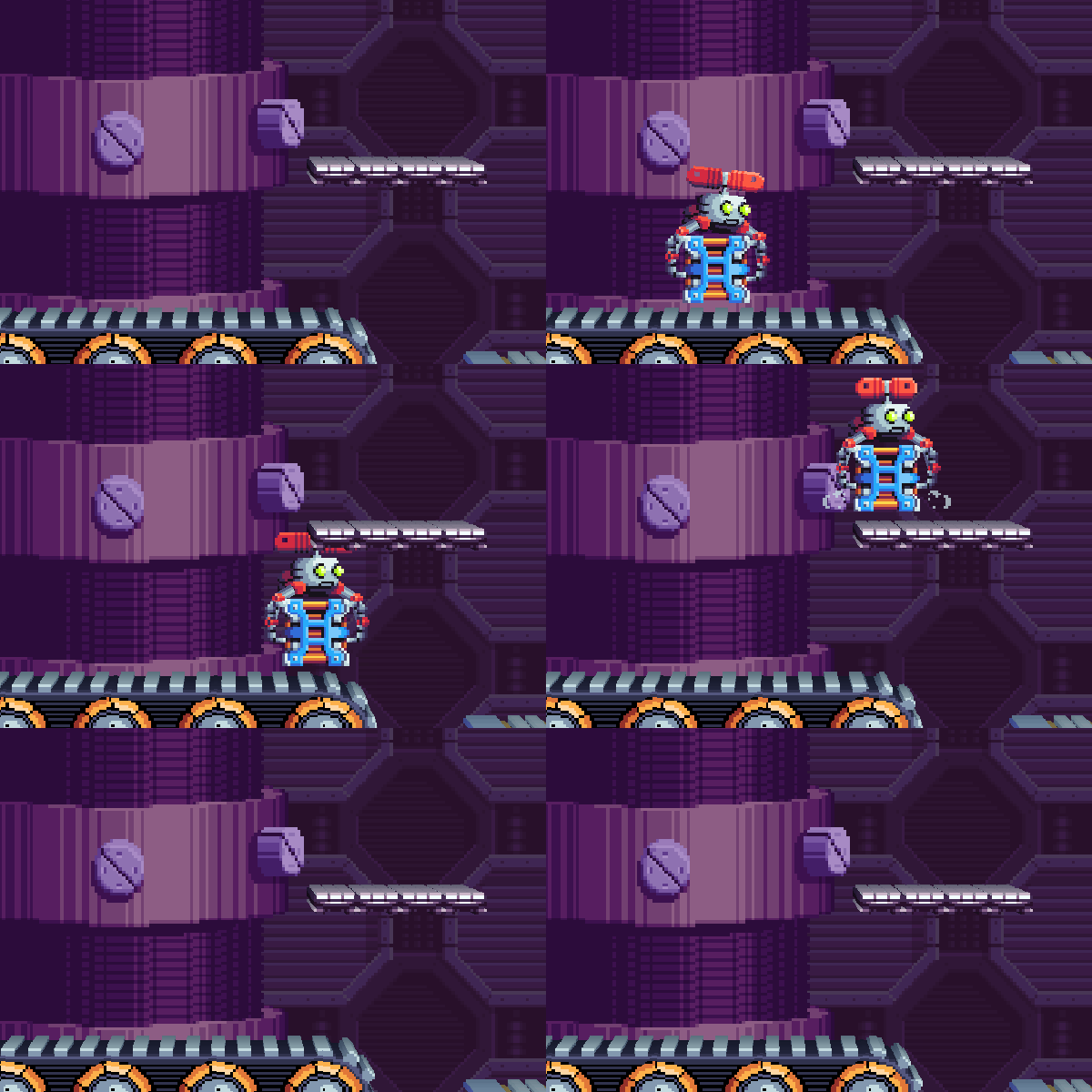
Above, you can see how one might be placed in a level. This jump while carrying the crate was previously a little hard for some players, and now it should be a piece of cake. The one-way platforms even work correctly while Atmocopter’s grabbing an object, which was a lot harder to get working than it sounds!
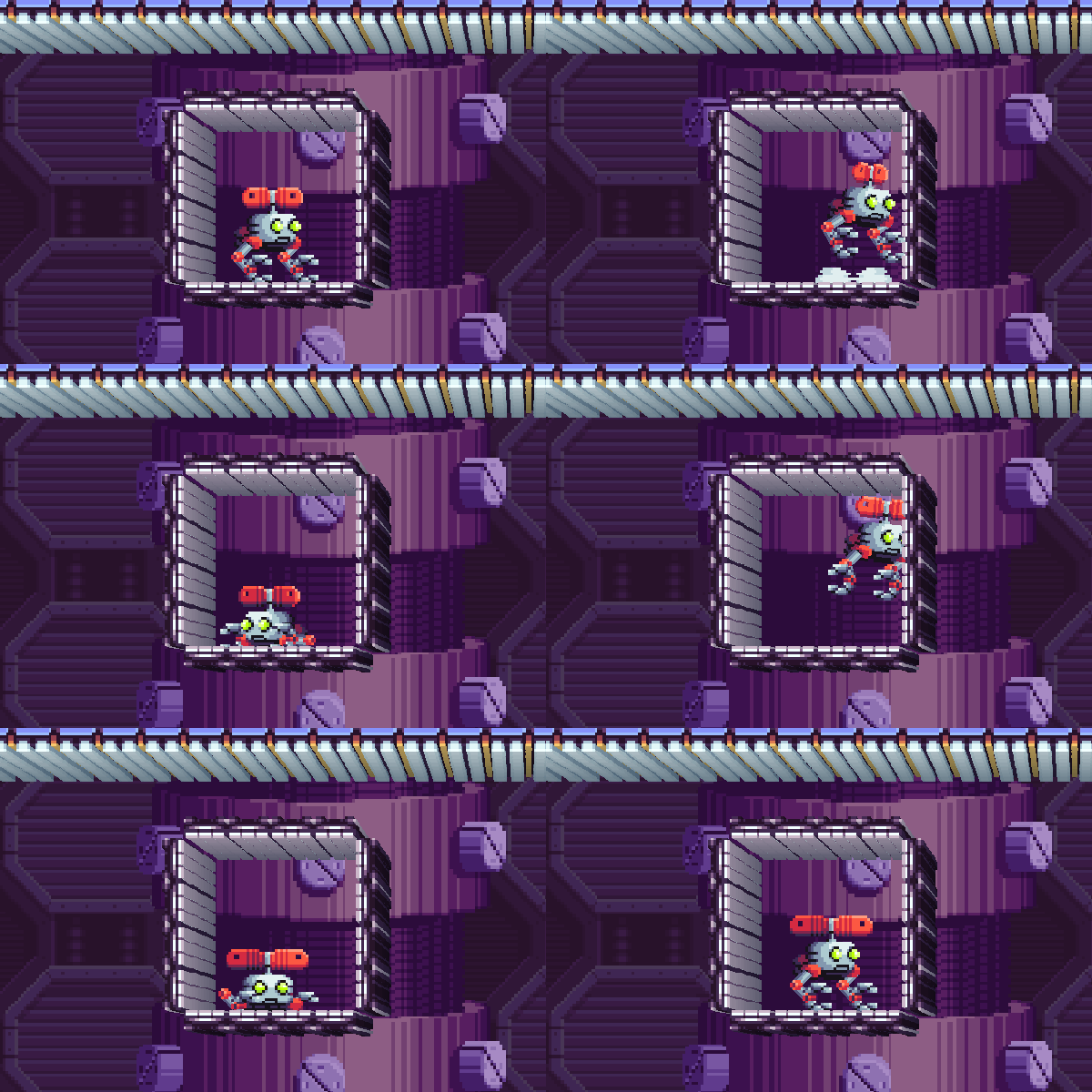
“Help, I’m stuck in a box!”

Obviously that situation wouldn’t occur in the game, but it was fun to test!

That’s all for today! I’ll see you Friday with the new Gigapack effects. Thank you for your support!

-Will
WIP… Friday?! June 12, 2026

WIP… Friday?!WIP… Friday?!WIP… Friday?!June 12, 2026June 12, 2026June 12, 2026

This post is also available on my Patreon. Join up and get pixel art for your game!

Hey, everyone! I’m here with another work-in-progress post! I’ve been programming all week on Atmocopter, so there’s not a whole lot to show off visually, hence the later-in-the-week WIP post.

Here’s everything I got done!

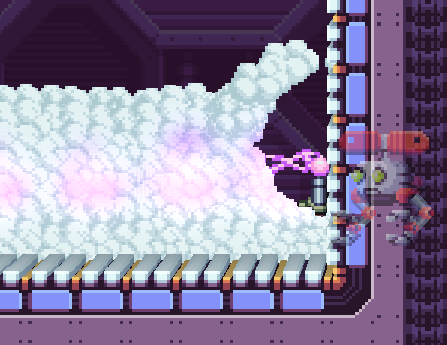
  • Made the player’s and enemy’s shots have a larger cloud displacer, and made clouds displace longer on projectile impact. This gives the player a little boost to help figure out what’s behind the clouds.
  • Rebalanced timing of the Hopbot-L enemy. It now stays in the idle-closed state for less time and in the idle-open state for a little longer so you can hit it more, but I also decreased the time between its attacks. The GIF below isn’t representative of the new timing, but I wanted to share him again because he’s so dang cute.

  • Fixed Cyclopter’s lightning attack knocking away hover platforms, which was pretty unfair.
  • Made Sentry missiles destructible. (Thanks to the player at VGM Con who suggested that!)
  • Made fan switch object always stop on first frame when deactivated. Some players were finding it hard to read what the object was if they had spun it a bit with wind from a fan and then pulled the fan away.
    Here’s the first frame…

    Versus one of the middle frames:

    The middle frames are much harder to read and also aren’t representative of the object’s collision!
  • And the biggest change: Bringing objects from previous rooms is now disallowed! While players found it fun to figure out they could grab and bring objects like hover platforms to the next room, it really ended up breaking the game flow too much. Now that this is disallowed, I feel much more comfortable having puzzles remain complete when the player dies and respawns. All the puzzle objects will still be there, but you won’t be able to take them with you!

I was hoping to get an in-game GIF of an animated tileset in action this week, but I ended up going down a bit of a rabbit hole of refactoring. The engine technically supports animated tilesets and would just need a few small changes to make them work, but I wanted to make sure my editor could also handle it. That lead to realizing that the asset importing code is really complicated and that the external asset refreshing code can’t make use of the asset importing code, so I’m currently working on changing it up.

So, let’s instead look at some animated tiles for the tileset via Aseprite!

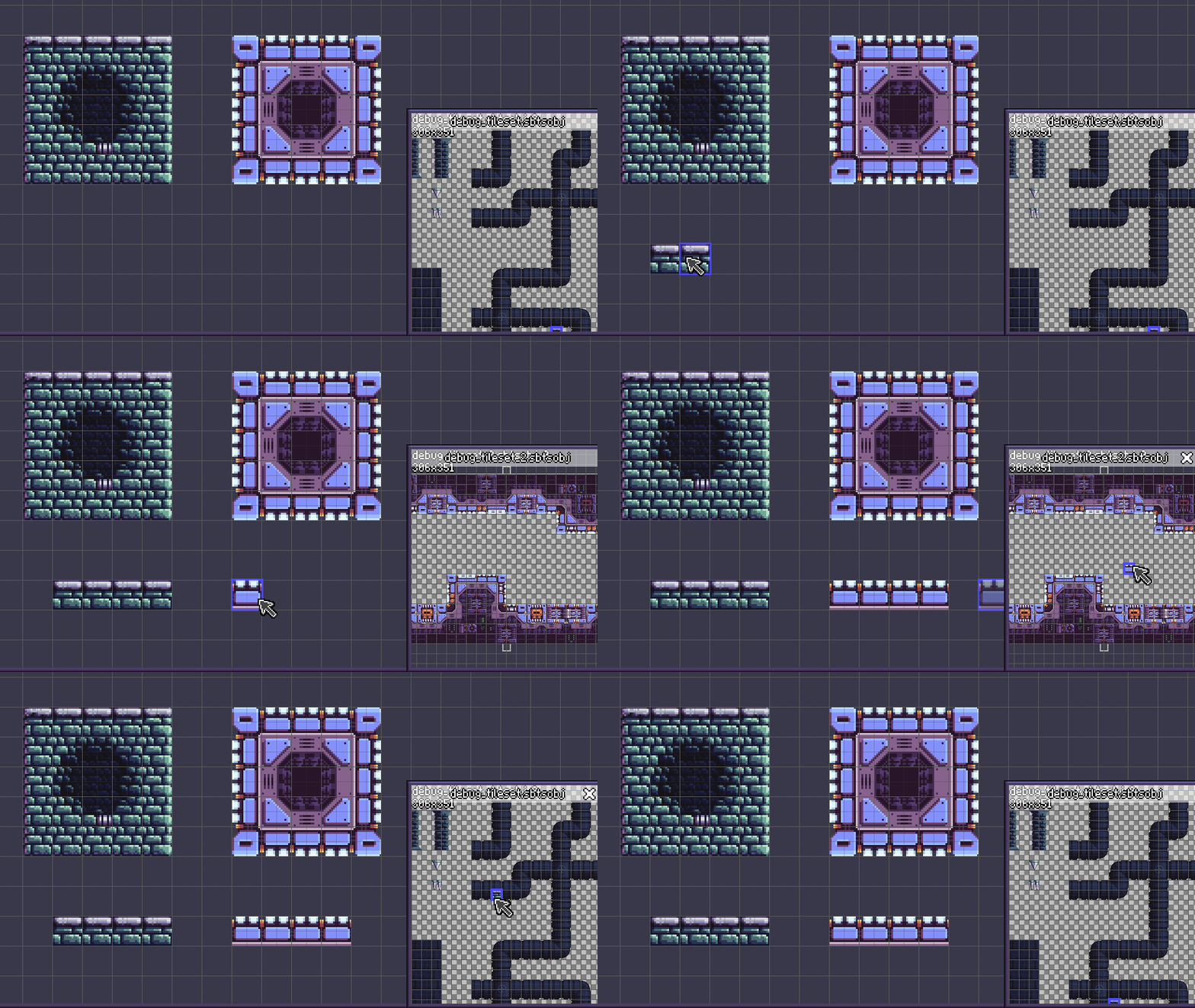
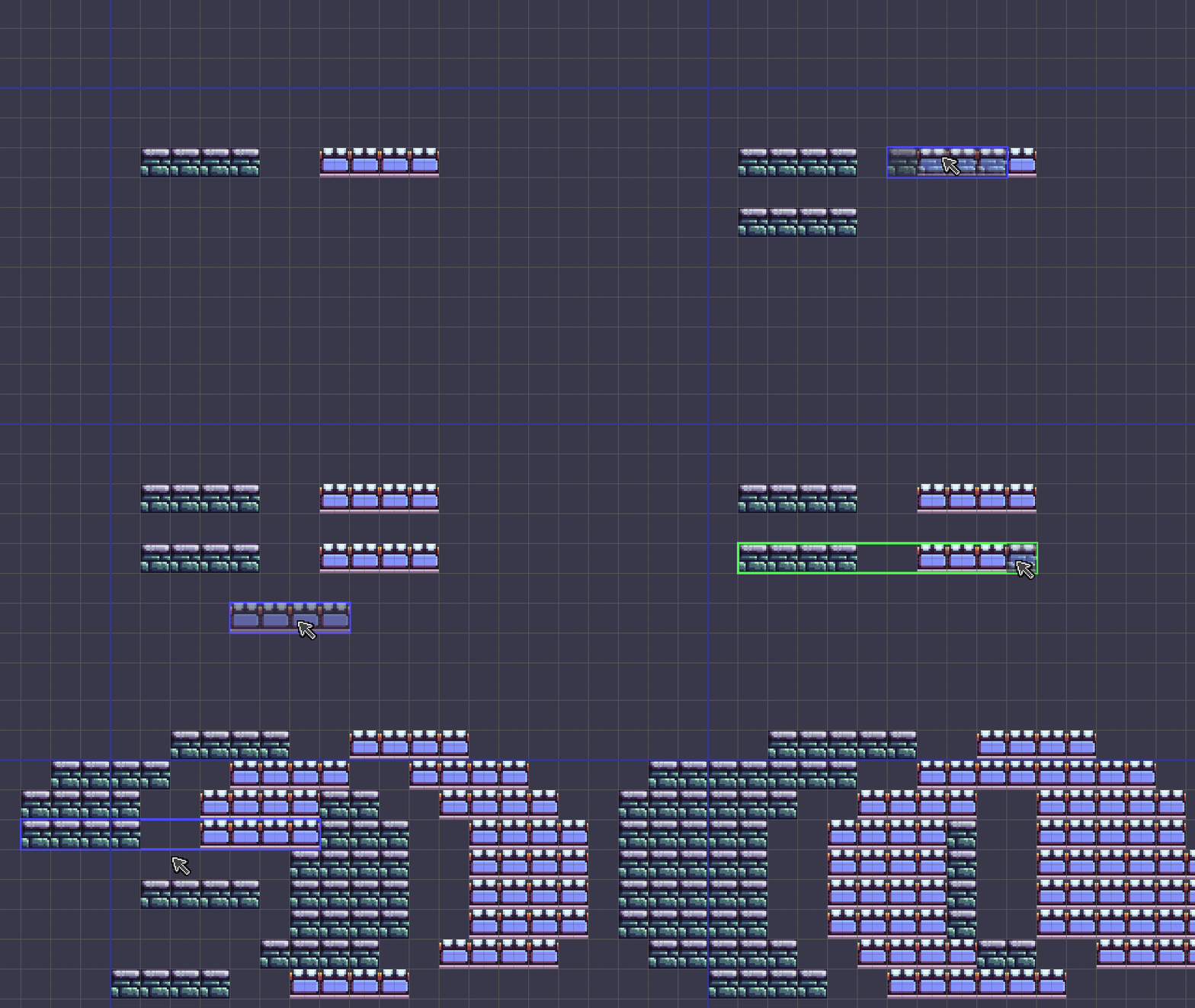
Above, you can see some tiles with simple animated flashing lights. I don’t want to overdo the animated tiles! I’ve also redesigned some of the alternate tiles for this tileset. In the top left you can also check out a few tiles that are used in the editor! The green arrows are transition tiles that I use to mark room exits, and the skull is used to mark bottomless pits.

Above are a few more interesting animated tiles. This world is “Propulsion Lab,” so I figured it needed some fans and turbines! There are still a few tiles left to draw, so I’ll be working on that soon.

Long story short- Lots of cool stuff in the works for Atmocopter as I gear up for 2D Con later this summer! See you next week with our regularly-scheduled pixel art assets.

-Will

Super Pixel Effects Gigapack v2.4.0

Super Pixel Effects GigapackSuper Pixel Effects GigapackSuper Pixel Effects Gigapackv2.4.0v2.4.0v2.4.0

This post is also available on my Patreon. Join up and get pixel art for your game!

Hey, everyone! I’m here on this wonderful Friday night to present Super Pixel Effects Gigapack version 2.4.0! This time, we’re focusing on some straightforward fantasy effects, plus the biggest and bounciest “?” you’ve ever seen!

In addition to the buff/debuff you saw on WIP Wednesday, this update features two looping status effect animations: poison, and sparkling (great for indicating a rare item!). Finally, the last newcomer is an expressive giant question mark! It’d make a great help icon, or perhaps the visual flair for a pivotal story moment in your game. The question mark pauses in the middle of the animation- Feel free to hang on that frame as long as you want, before playing the rest to have it disappear. I really love the buff/debuff, but I think the question mark is my favorite of the bunch this time!

Ready to get it for your game?

Super Pixel Effects Gigapack v2.4.0 can be downloaded from its dedicated Patreon page.
This download is currently available to $5+ patrons.

The free version is available here. Try it out!

Not into Patreon? Never fear- The Gigapack can also be purchased below!

Thank you for your support- See you next week on Work-In-Progress Wednesday!

-Will

WIP Wednesday: June 3, 2026

WIP Wednesday:WIP Wednesday:WIP Wednesday:June 3, 2026June 3, 2026June 3, 2026

This post is also available on my Patreon. Join up and get pixel art for your game!

Hey, everyone- It’s Work-In-Progress Wednesday!

Upcoming Gigapack Effects

I’ve got two brand-new Gigapack effects to show off. Let’s check ’em out:

These two related effects are buff and debuff spells! Thanks to the arrows, it’s immediately obvious that some kind of stat is getting boosted or diminished. These would be perfect for an RPG or any other kind of game where a player charges up for the next turn or the enemy casts a weakening spell on you!

What’s Next?

I’ve got some big news for this Summer… Atmocopter will be back at 2D Con from August 21 – 23!

I’m super excited to continue work on the game, and am hoping to do a big sprint on it and get a whole lot of stuff done. I’d love to bring a new world to the game with fresh new mechanics, but I’d also really like to create the game’s hub area, which has never existed in any previous iteration of the game… So I’m gonna try and do both! Wish me luck.

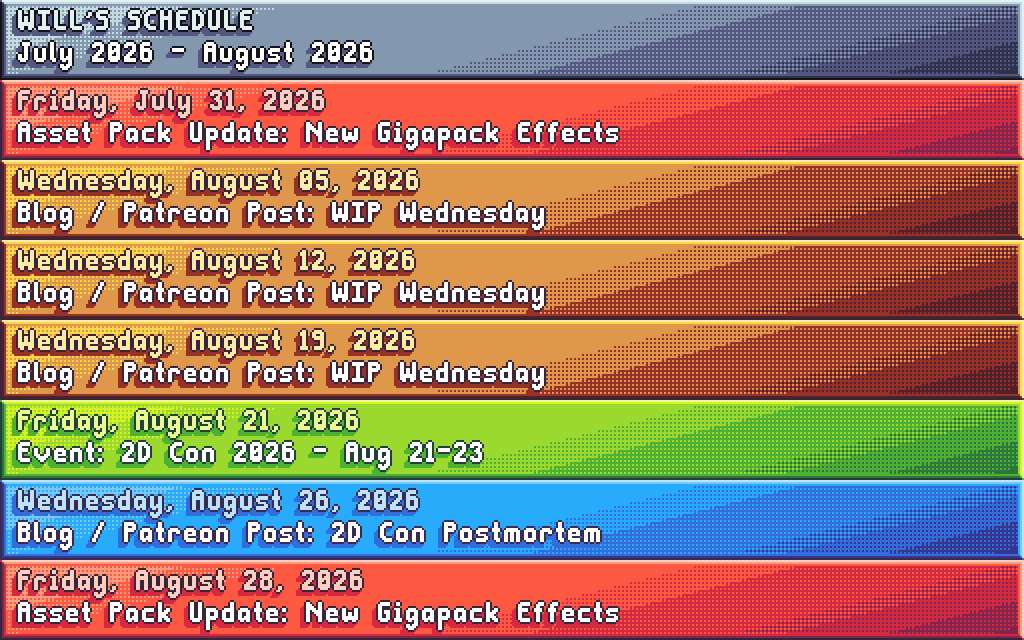
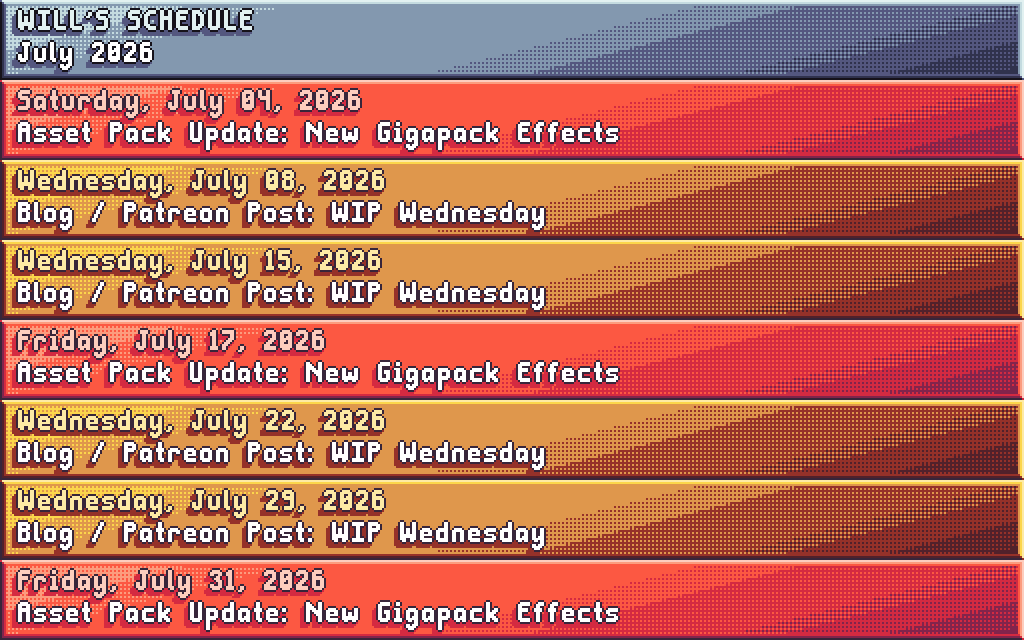
Gigapack updates will be shifting to a bi-weekly cadence after the next update. Here’s my tentative schedule for this month:

Looking forward to sharing lots of Atmocopter progress and pixel art in all those WIP Wednesdays! It’s not on the schedule, but I’m also mulling a revival of Super Pixel Harvest & Crafting in a similar format to the Gigapack. Possibly this Fall? I love drawing effects, but I kinda miss drawing icons!

That’s all for today- I’ll see you Friday with the next Gigapack update!

-Will

Super Pixel Effects Gigapack v2.3.0

Super Pixel Effects GigapackSuper Pixel Effects GigapackSuper Pixel Effects Gigapackv2.3.0v2.3.0v2.3.0

This post is also available on my Patreon. Join up and get pixel art for your game!

Hey, everyone! I’m here tonight with Super Pixel Effects Gigapack version 2.3.0: The SPLATTER update!

Let’s check out the animations:

So juicy! And they come in different shapes and sizes, too. Perfect for blood effects, alien guts, splashes, and more! They could even double as smoke, using the included gray color theme.

Ready to get it for your game?

Super Pixel Effects Gigapack v2.3.0 can be downloaded from its dedicated Patreon page.
This download is currently available to $5+ patrons.

The free version is available here. Try it out!

Not into Patreon? Never fear- The Gigapack can also be purchased below!

Thank you for your support- See you next time!

-Will

WIP Wednesday: May 27, 2026

WIP Wednesday:WIP Wednesday:WIP Wednesday:May 27, 2026May 27, 2026May 27, 2026

This post is also available on my Patreon. Join up and get pixel art for your game!

Hey, everyone! I’m here again today for another Work-In-Progress Wednesday. This week, I’m working on new splatter animations for the Gigapack!

Upcoming Gigapack Effects

Above, you can see the first completed effect for the next update. Nice and juicy- Definitely one of my best!
I’m planning on making “burst” splatters like above as well as directional splatters, using pieces of the same animations. That means you’ll be able to splat however you want in your games!

Below, you can see a work-in-progress version of another burst splatter.

As you can see, I start with just a single color and animate the silhouette of the splatter. Sometimes I start from the first frame and animate forwards, but I also like to start with the most impactful frame and then draw backwards to the initial frame.

Then, I animate forwards from the most impactful frame and have it dissipate to finish out the animation.

I feel like doing it this way helps me better guide how the splatter should flow, instead of working forwards from the beginning and then watching it and thinking “Oh, that’s not quite right” and having to redo several frames of motion. I also try to think of it like an actual fluid, at least a little bit. The same process works for smoke effects!

Zephyr Time

It’s been a while since we had some Zephyr time! Zeph is doing great and having a fun summer. She just got groomed and feels super soft!

Above: Zephyr chilling out on a hot day.

Above: Little girl in a little field of little flowers.

Above: Me and Zeph posing, with her on an old bench.

That’s all for today- See you Friday with lots of splatters!

-Will

Super Pixel Effects Gigapack v2.2.0

Super Pixel Effects GigapackSuper Pixel Effects GigapackSuper Pixel Effects Gigapackv2.2.0v2.2.0v2.2.0

This post is also available on my Patreon. Join up and get pixel art for your game!

Hey, everyone! I’m here again with more effects in Super Pixel Effects Gigapack version 2.2.0!

Let’s check ’em out:

Five brand new effects have arrived: Two sci-fi charge-up effects, two muzzle flashes (also in the sci-fi category), and a “Level Up” text effect! As always, both large and small versions are included.

If you look closely, compared to the version from the WIP post on Wednesday the green/blue charge-up effect has been updated to have a better balance of the linear particles. The second charge-up effect is a little bigger, but maybe less volatile-looking. Muzzle flashes are a new type of effect for the pack- The first is a small one which I modeled a bit after a real muzzle flash, and the second is a larger, more stylized one suitable for the launch of a big attack. And I think the “Level Up” text speaks for itself!

Ready to get it for your game?

Super Pixel Effects Gigapack v2.2.0 can be downloaded from its dedicated Patreon page.
This download is currently available to $5+ patrons.

The free version is available here. Try it out!

Not into Patreon? Never fear- The Gigapack can also be purchased below!

Thank you for your support- See you next time!

-Will

Mini-WIP Wednesday: May 20, 2026

Mini-WIP Wednesday:Mini-WIP Wednesday:Mini-WIP Wednesday:May 20, 2026May 20, 2026May 20, 2026

This post is also available on my Patreon. Join up and get pixel art for your game!

Hey, everyone! I’m here today for just a real quick Work-In-Progress Wednesday, and a sneak peek of one of the new effect animations coming your way this Friday!

This week, we’ll be giving the sci-fi genre some love with brand new “charge up” effects! The one above is the first one completed, and after I finished drawing it I knew I had to show it off. At first, it didn’t have the electricity effect… But I’m really glad I added it! It makes it feel so powerful, like an explosion or attack is about to go off any second.

Aside from art, I’ve also been working on the Gigapack workflow behind the scenes. My checklist for releasing a Gigapack update currently has 46 steps (and that’s AFTER drawing the art!), so automating a little more of it is a good idea all around, because it reduces the chance that I’ll mess something up. Since last week, the workflow has been improved in the following ways:

  • The asset list is now automatically copied to the final export folders
  • The visual guide and readme are now automatically copied to the “New in Gigapack” folder
  • Visual guide GIF generation time is improved on my end (It no longer loads all the frames of every animation if it detects that the GIF already exists.)
  • Demo GIF should now be easier to create on my end
  • Added checklist item: Copy changelog to “New in Gigapack”

So… that part might not be super exciting, but it is to me! I love a good checklist, and I’m a bit of a perfectionist. If you’re using the “New in Gigapack” zips to upgrade during each update, you’ll now also get the changelog and visual guide changes along with it. Looking forward to using this workflow to make future updates the best they can be!

That’s all for today- See you Friday with new effects!

-Will