





WIP Wednesday:WIP Wednesday:WIP Wednesday:July 22, 2026July 22, 2026July 22, 2026

This post is also available on my Patreon. Join up and get pixel art for your game!
Hey, everyone- I’m here once again for another installment of Work-In-Progress Wednesday! This one’s all about the progress on Atmocopter.
New Feature: Animated Tilesets
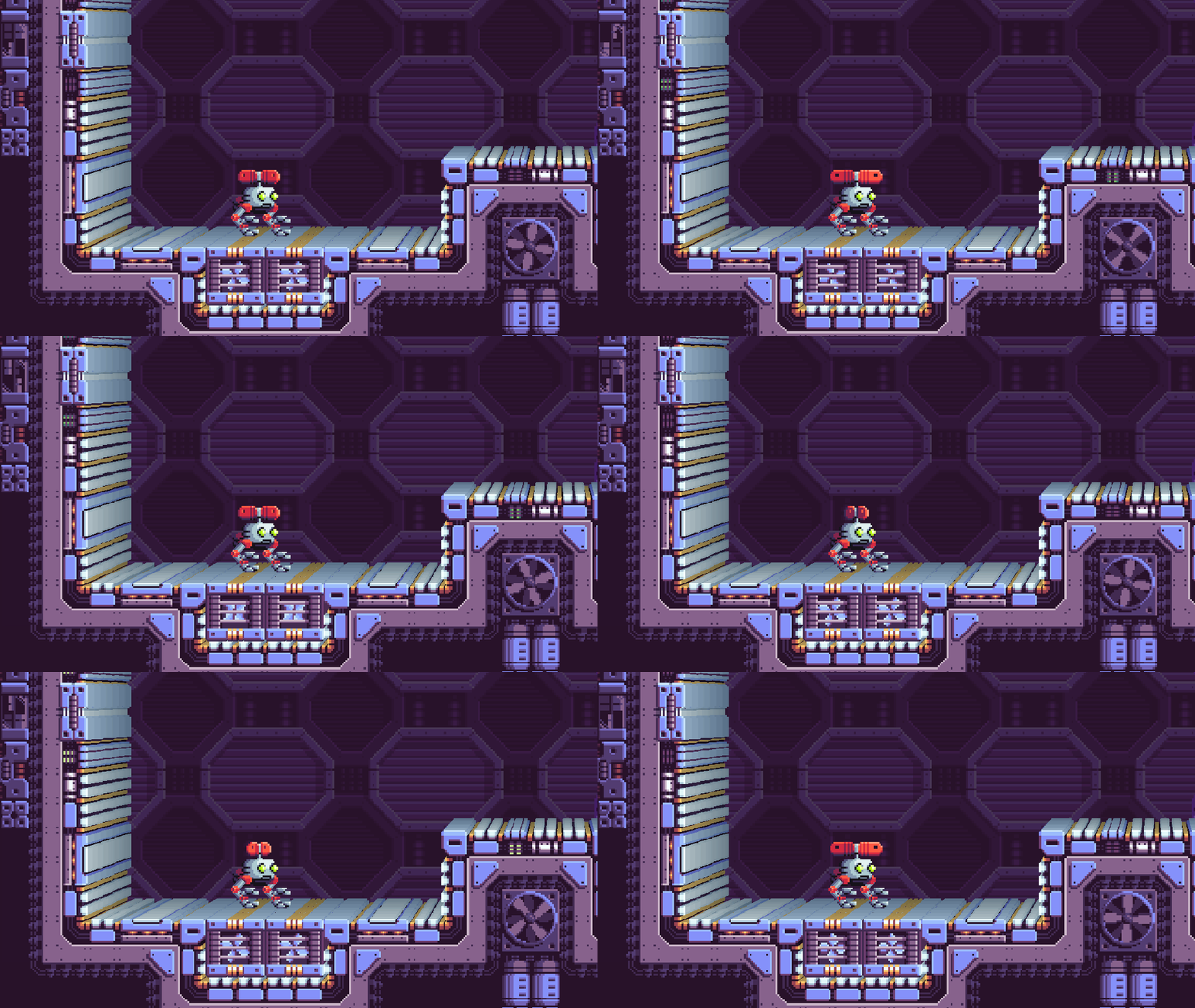
It’s finally here! I’ve been working on this for a while. I drew several new animated tiles, and after wrestling with the engine and editor a little bit, got them in the game just fine.
Click “Continue Reading” to see more awesome GIFs and read about a tricky bug I encountered!
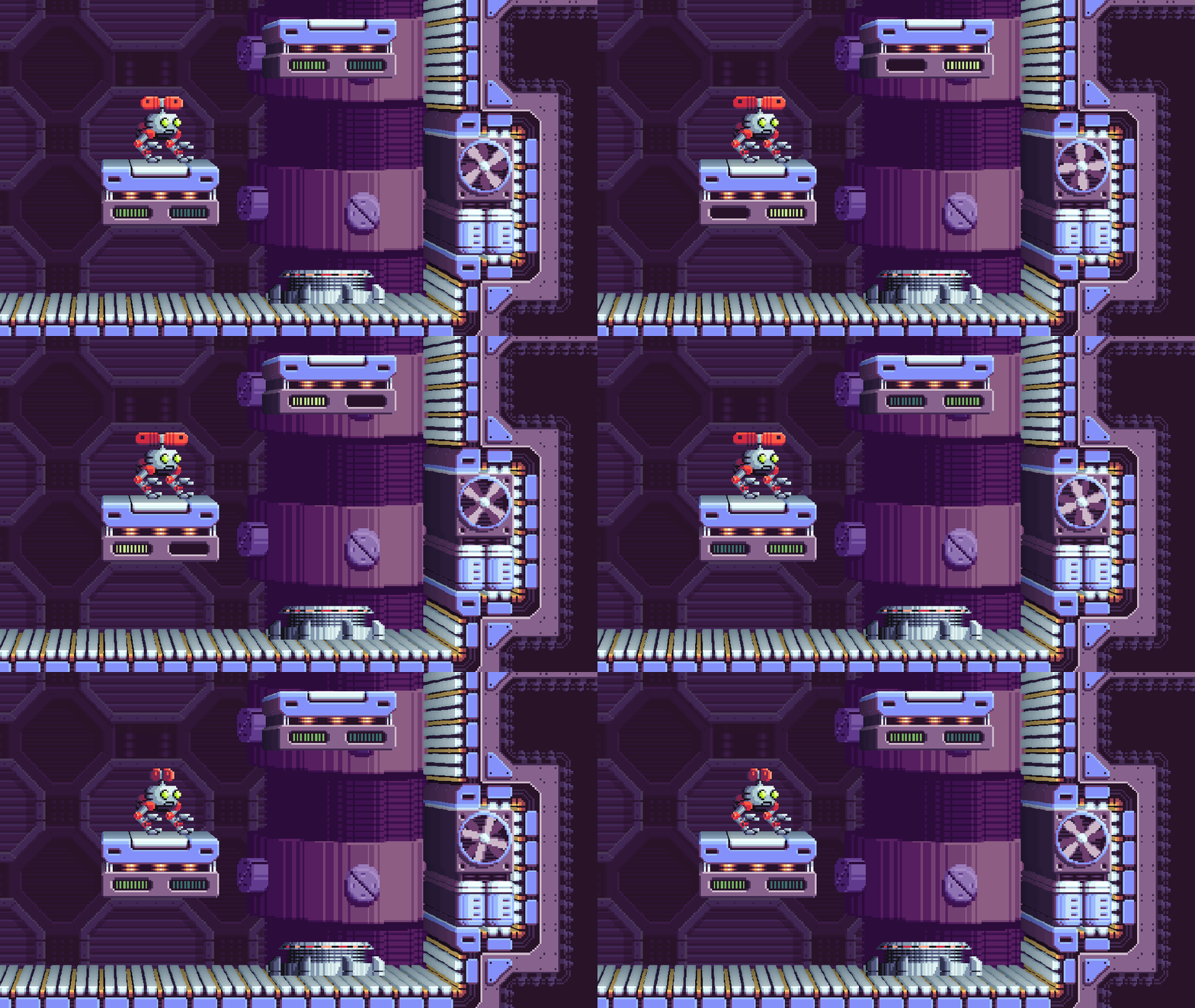
The first world of the game is “Propulsion Lab,” which features a lot of propellers, fans, and wind. It really brings the level to life!
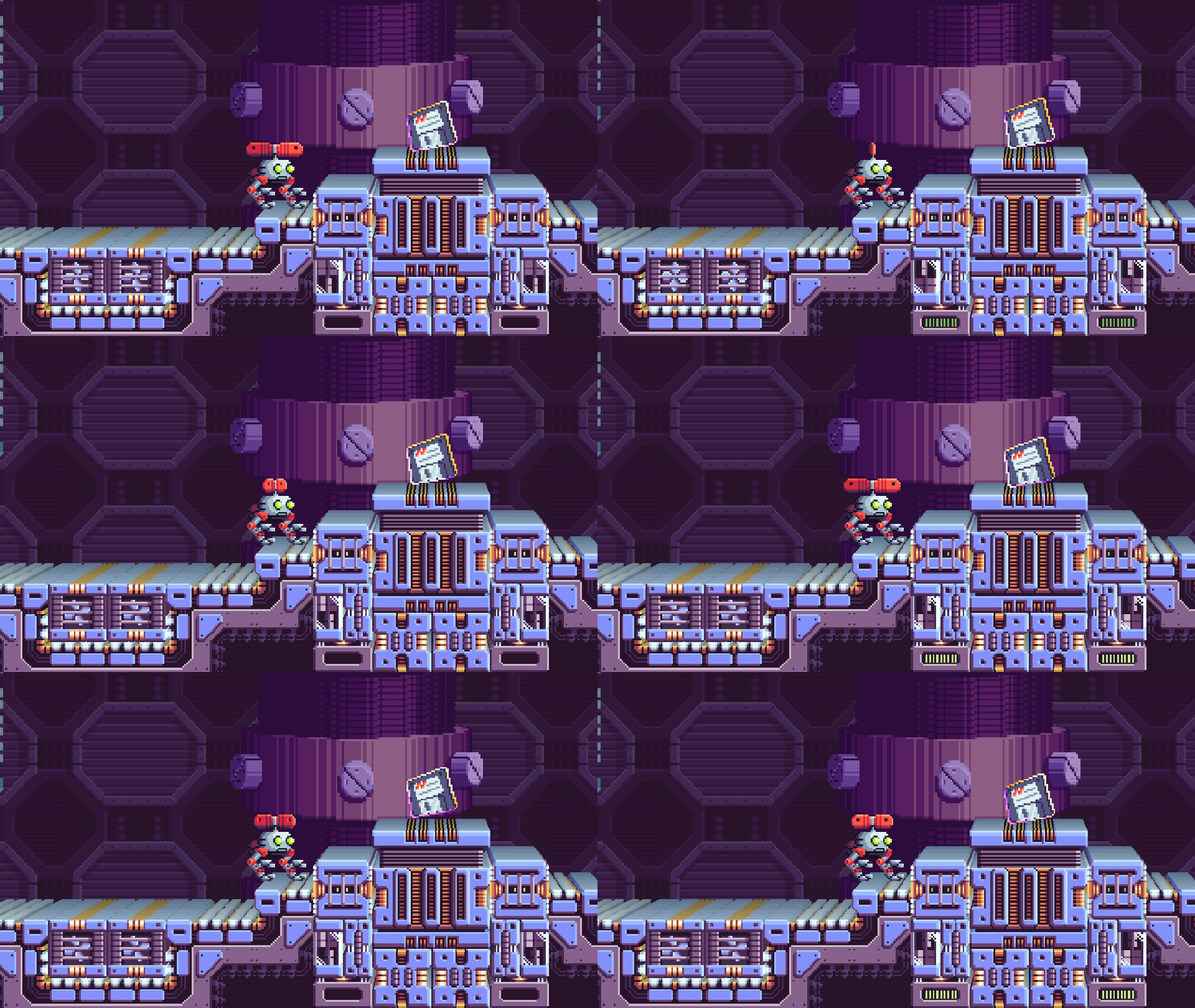
I’ve only just started decorating the levels. It’s going to be a surprising amount of level editing to flesh them out! It’s shaping up to be a lot of fun though- I’m glad I got this working.
New Mini PC: New Bugs!
Next, I’d like to do a little deep dive into a special bug that really took me for a loop. I picked up a cheap new mini PC to use at conventions to demo the game. I had picked one up two years ago, and it has been working well, but wanted to replace my laptop which has been running the second station. So, I found one that was a similar price to the one from two years ago, and thought that would be the end of the story.
Boy, was I wrong! First, I couldn’t get through the first-time Windows setup without errors. When I finally got it running, the new mini PC turned out to be too underpowered to run Atmocopter, reaching just over 20 FPS even on the title screen, where not a whole lot is going on. What was really interesting though: Not only was it running slowly, but it was also running incorrectly, which is much more interesting. When you load into a level, the terrain would be invisible AND the player would fall through the world, as if the terrain isn’t there at all!
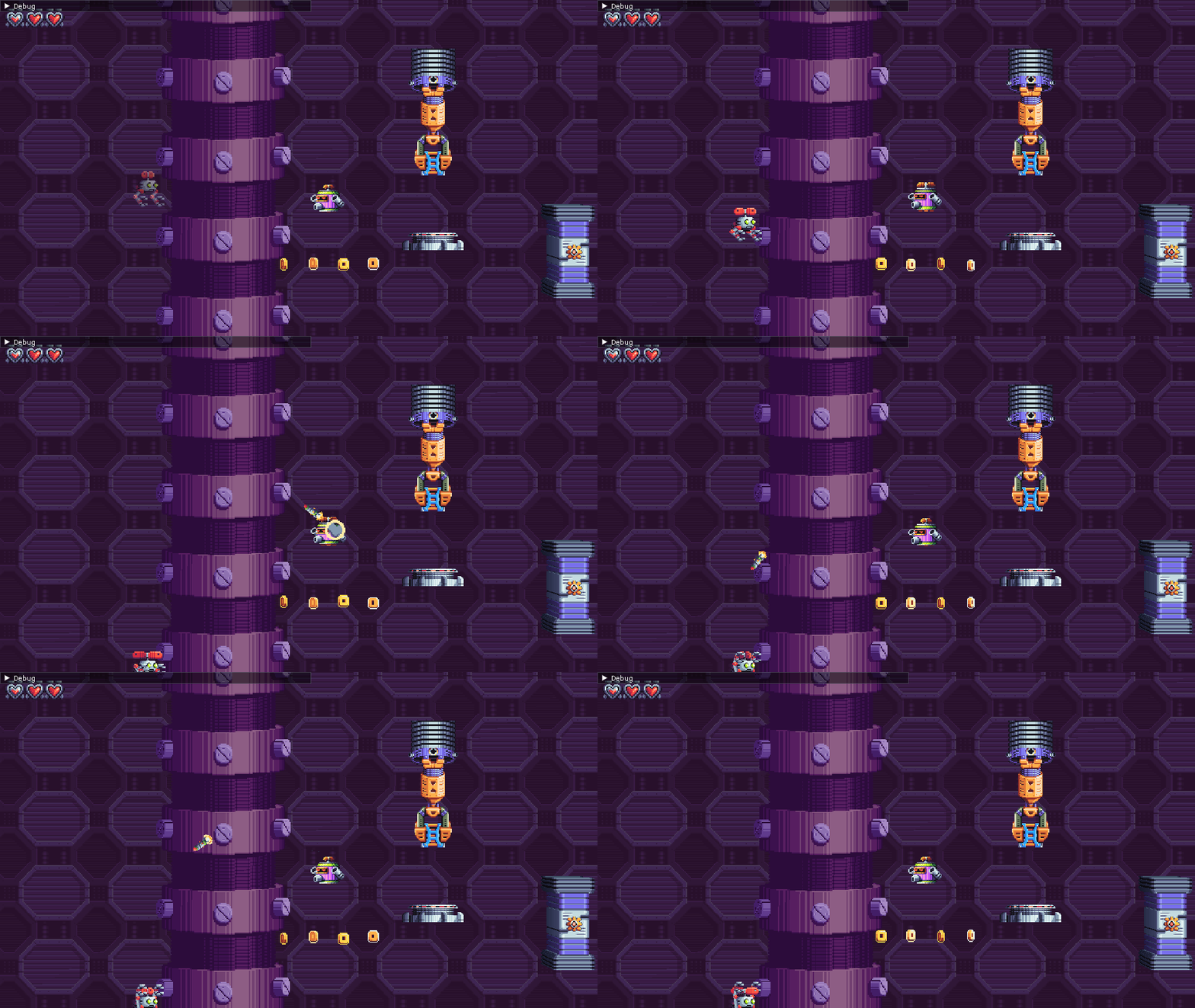
This lead me on a deep dive down the rabbit hole to try and figure out what was wrong. I couldn’t reproduce the bug on my main PC, or on my old mini PC- Just on the new one. Was it copied from my flash drive correctly…? Yes. Was the terrain tilemap getting added to the world…? Yes. Was the collision being detected at all…? No. That was my first clue.
To look into the collision issue, I made sure Atmocopter spawned in a place where he would collide on the first frame, and added a lot of debug output to see why the tile collision check wasn’t working. Imagine my surprise when it tried to collide, but exited early because the tile had no collision shape! Now we’re getting somewhere.
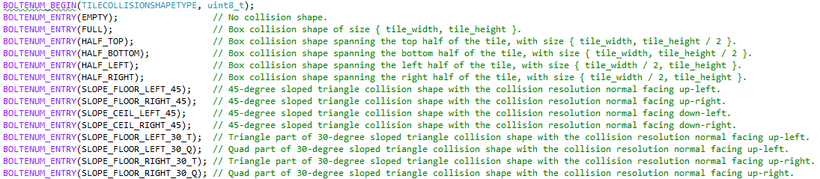
Each tile that can collide has a collision shape. I define these manually for special cases. For the rest of the tiles that just collide as boxes, I took a shortcut which had unintended consequences. For standard tiles, I check the pixel data of the tile. If any pixel is opaque, I assume it collides as a box. If not, I assume it’s empty. This is what was failing: I double-checked, and for some reason the tileset’s texture was empty, only on the mini PC. What gives?
The tilesets are loaded from the game’s data archive in a different way than other PNGs- I decode them using a different library and then, since they came from the editor, draw them to a render texture. That draw call is what was failing… It was still blank after drawing to it. The other PNGs just come in as normal textures, and don’t get drawn to render textures. I asked around on the SFML Discord, and they confirmed there after looking at my code and the PC’s OpenGL capabilities that it seems like a graphics driver issue, not a problem on my end.
Long story short, that’s how taking a shortcut can have novel, unintended consequences. I shouldn’t be determining tile collision shapes at runtime, I should be doing it in advance anyway! Now, I’m just waiting for a more powerful mini PC to arrive (more expensive than two years ago, of course), and things should be smooth sailing from here. And now I know at least one graphics device which is below the game’s minimum requirements!
That’s all for today- See you next time with more tales from development, and more pixel art!
-Will